Available in🇮🇳 India
No Test Payments on Live Mode:You cannot make test payments to Customer Identifiers created in Live Mode.
You can toggle between Live and Test Modes on your Dashboard. Navigate to the top menu ribbon and click the drop-down icon against Live Mode. Toggle to Test Mode and create a new Customer Identifier.
You can toggle between Live and Test Modes on your Dashboard. Navigate to the top menu ribbon and click the drop-down icon against Live Mode. Toggle to Test Mode and create a new Customer Identifier.
Test Payment to a Virtual Bank Account
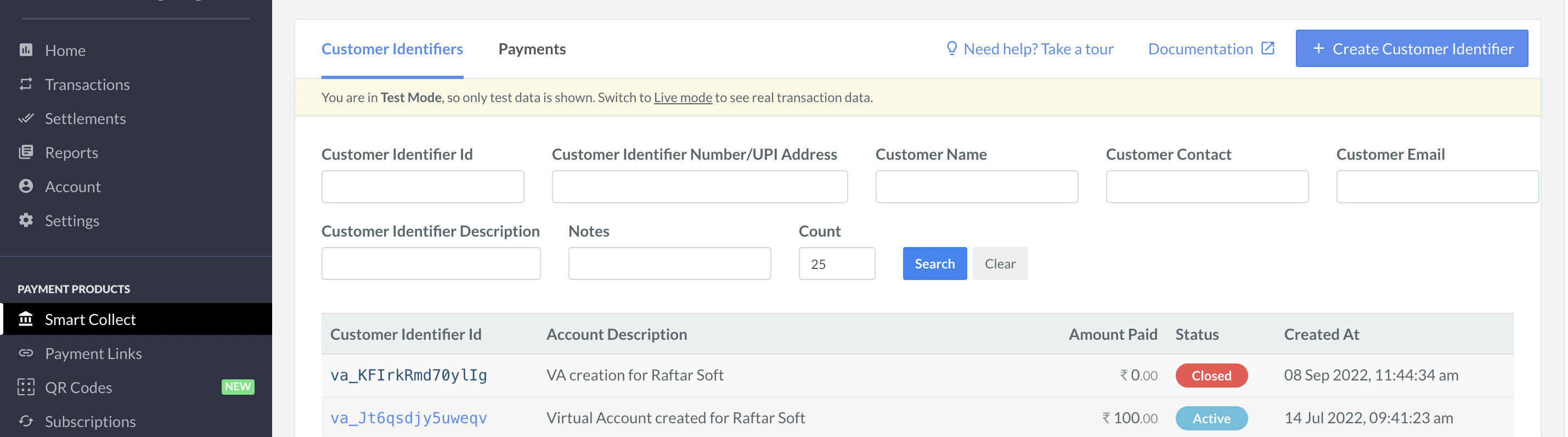
Follow these steps to make test payments to a virtual bank account.- In the list, select the Customer Identifier ID.
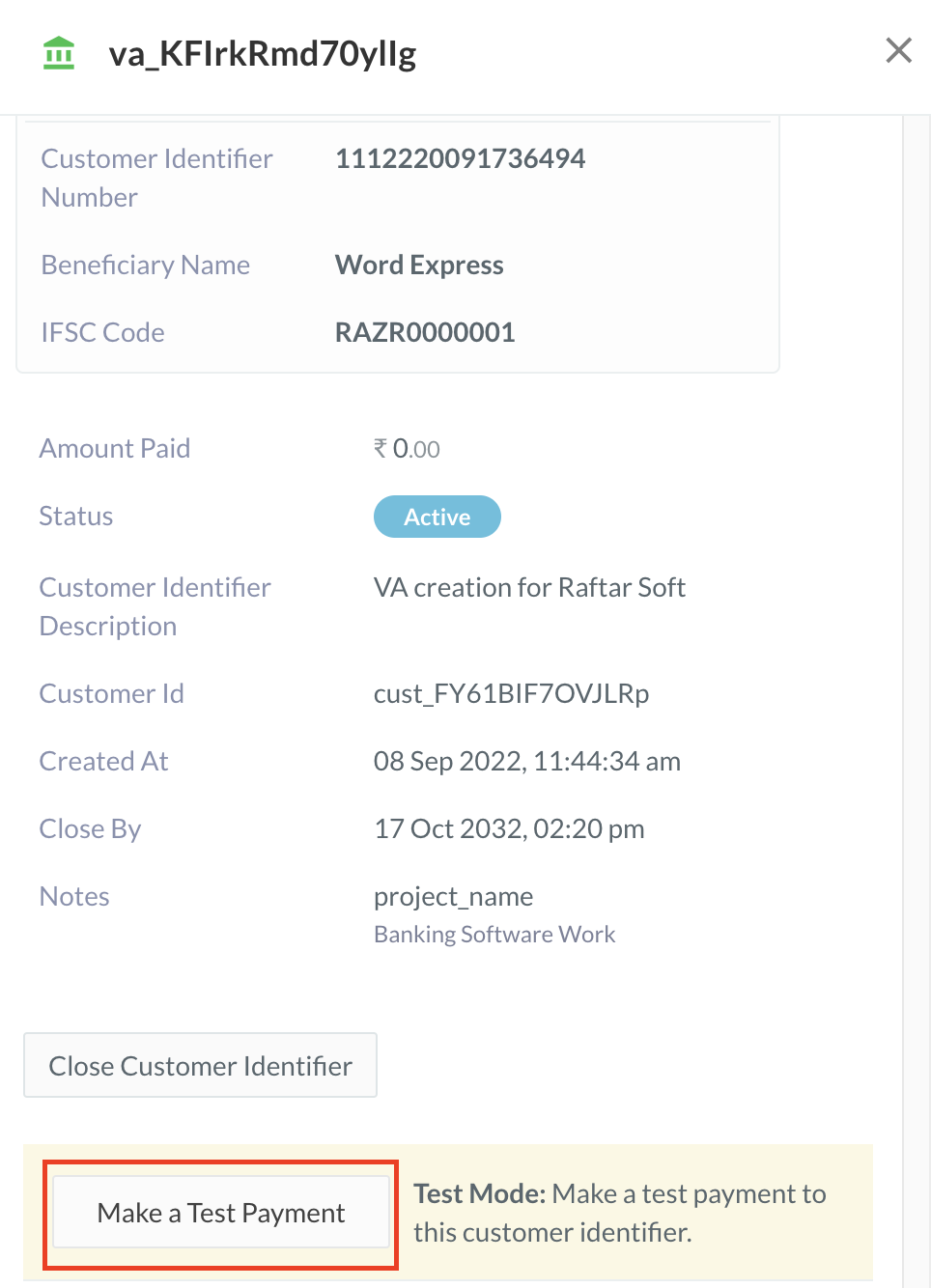
- In the right pane that appears, click Make a Test Payment.
- Enter the following details in the form that appears:
- Amount - Enter the amount to be transferred to the Customer Identifier as the test payment.
- Method - Select the method of transfer to simulate. You can choose NEFT, RTGS or IMPS.
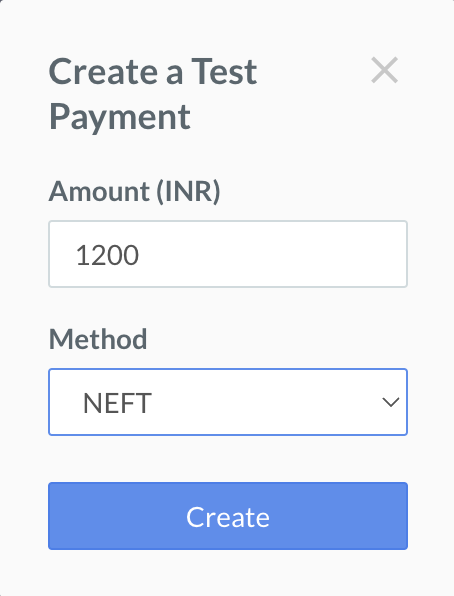
- Click Create.