

Available in🇮🇳 India
Customer Identifiers can be closed in two ways:
- Automatically, by specifying a Close By date and time during Customer Identifier creation.
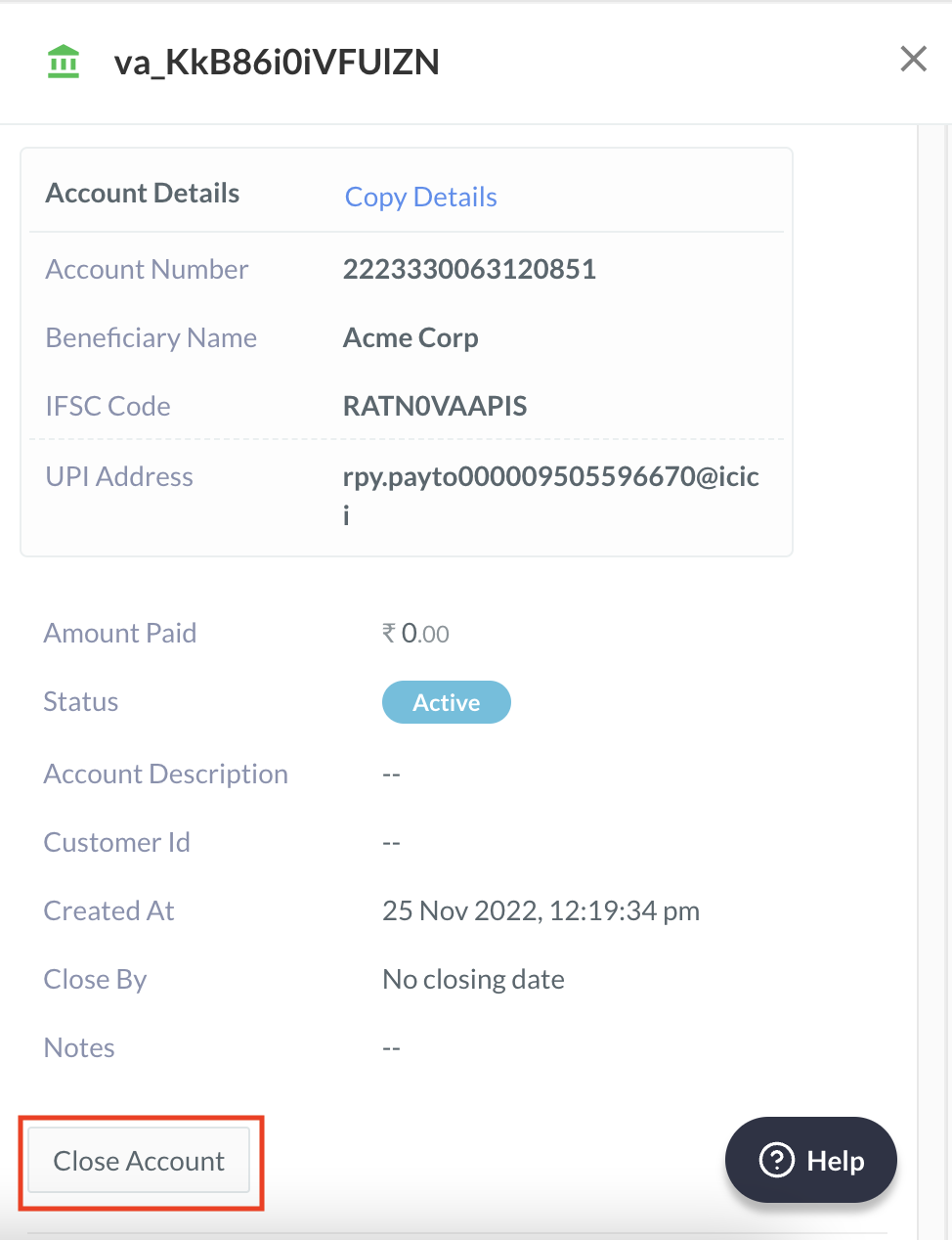
- Manually, using the Close Account button on the Customer Identifier details pane:
- In the list, select the Customer Identifier ID.
- In the right pane that appears, click Close Account.
- A dialog box appears to confirm the closing. Click Yes.