Available in🇮🇳 India
Unicommerce eSolutions is India’s largest ecommerce-focused SaaS technology supply chain platform. It is designed to meet the business needs of ecommerce-focused across various industries.
Integration Steps
Follow these steps on the Razorpay Dashboard:- Log in to the Dashboard.
- Navigate to Magic Checkout → Setup and Settings.
- Navigate to RTO Settings → Delivery Tracking and click Connect next to Unicommerce.
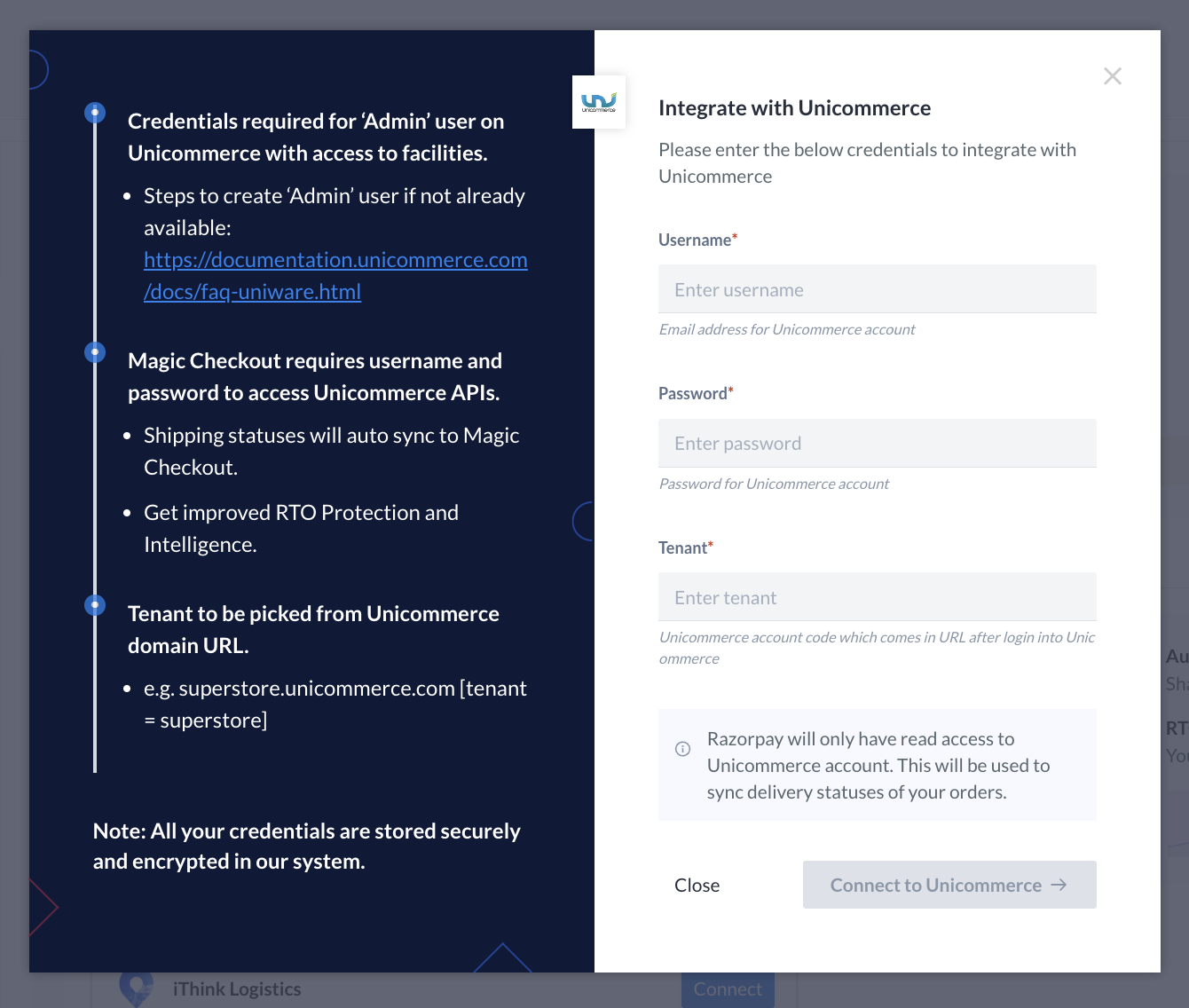
- Enter the same Username and Password as your Unicommerce admin account login credentials.
- Enter Tenant from the Unicommerce domain URL. For example, if the Unicommerce Dashboard URL after you log in is
acmecorp.unicommerce.com, acmecorp is the tenant.