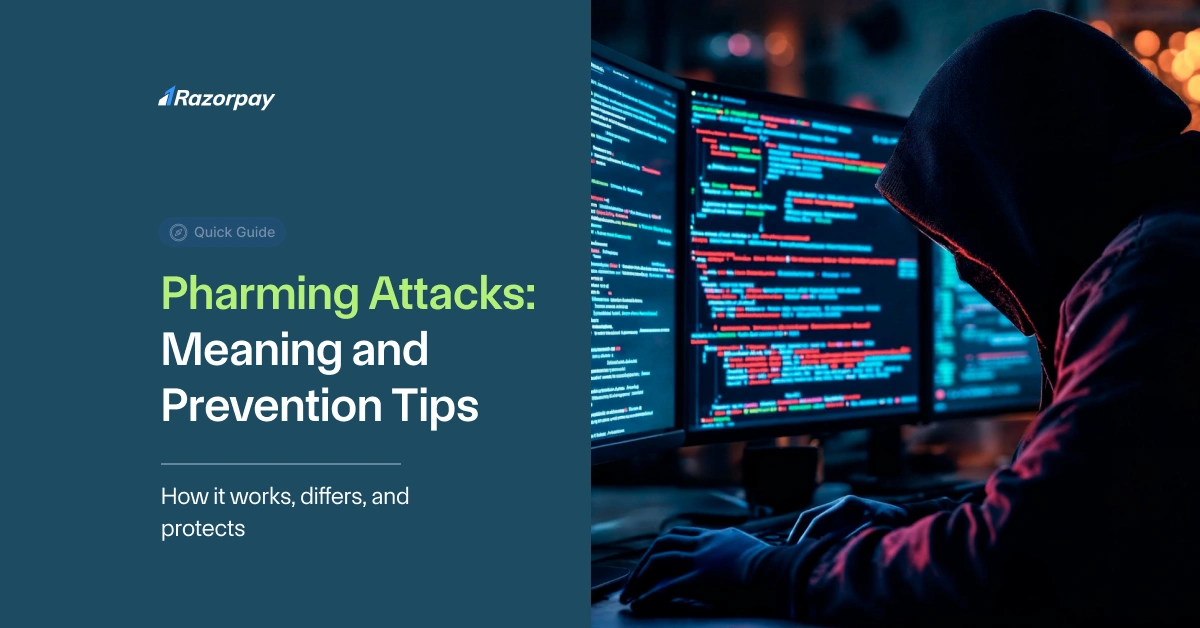
Did you know that in Q1 2026, Kaspersky detected nearly 10 million web-borne threats targeting Indian users — and 16.9% of internet users in India faced these risks? Among these threats, one of the most dangerous yet lesser-known is the pharming attack. You could type the correct web address in your browser and still land on a fake site ready to steal your information — that’s pharming in action.
Read this article to learn what pharming is, how a pharming attack works, and what you can do right now to stay protected.
What Is a Pharming Attack in Cybersecurity?
A pharming attack is a type of cyber threat that secretly redirects you to a fake website, even when you type the correct web address.
For example, you type hdfcbank.com in your browser, but instead of the real site, you reach a perfect clone designed to steal your login details. You wouldn’t suspect anything — until your bank account gets emptied. That’s why a pharming attack is one of the trickiest threats you need to watch out for.
How Pharming Attacks Work?
A pharming attack works by corrupting the way your device connects to websites. It mainly happens in two ways: Domain Name System (DNS) poisoning and host file manipulation.
In DNS poisoning, criminals compromise a DNS server or your local network’s router settings. When you type a genuine web address, the poisoned DNS silently sends you to a fake website instead of the real one.
Another method is modifying the host file on your device. This file matches domain names with IP addresses. If it’s altered, your browser gets tricked into loading a spoofed site even when you enter the correct URL.
Unlike phishing, a pharming attack doesn’t need you to click a suspicious link. One poisoned DNS server can redirect thousands of users at once, putting many victims at risk without their knowledge.
[Your Browser]
↓
[Poisoned DNS or Altered Host File]
↓
[Spoofed Fake Site]
Pharming vs Phishing: What’s the Difference?
| Pharming | Phishing |
| You type the real website address, but you’re secretly redirected to a fake page. | You get a fake email, message, or link that tries to fool you into clicking it. |
| It changes how your computer or network connects to websites, often through your router or DNS. | It depends on fake emails, texts, or pop-ups pretending to be from trusted companies. |
| It’s more technical and runs in the background, so spotting it is tough. | It works by fooling you into clicking a fake link or sharing your personal details. |
Common Signs of a Pharming Attack
- Missing or Misconfigured HTTPS: Always check for the secure padlock icon in the address bar. If it’s missing or looks suspicious, the site may not be genuine.
- Website Looks Slightly Different: Notice small changes in colours, fonts, or the overall layout. If something feels off, you might be on a fake version of the site.
- Password Doesn’t Work or Repeated OTP Prompts: If your usual password fails or you’re asked to enter an OTP more than once, stop immediately. This could be a sign of data harvesting.
- Unexpected Pop-Ups or Slow Loading: Fake sites often trigger strange pop-ups or load slower than usual. Close the tab and recheck the web address if this happens.
Real Examples of Pharming Attacks
1. Pharming Attack on Cane Farmers’ Database in Lucknow
Back in March 2019, Lucknow witnessed one of its biggest reported pharming cases. A Gomtinagar-based company, which manages the online database of cane farmers’ transactions with sugar mills across 12 districts in Uttar Pradesh, became the victim.
The company’s system stored important details like each farmer’s transaction history with sugar mills, the revenue they earned, and even their linked bank information. On March 30, while preparing an audit report, the company’s owner, SK Jauhari, found that the data for about 19 lakh farmers had been tampered with — some of it was altered, and some was deleted altogether.
Worried about the scale of damage, he immediately informed his technical team, filed a complaint with the Gomtinagar police, and also alerted the UP Cane Commissioner. The local cyber cell investigated and suspected it was a clear case of pharming.
The local police could not fully crack how the breach happened, so the company had to bring in private cyber experts to recover the lost and changed data.
2. Major Brazilian Bank DNS Hijack
In October 2016, hackers carried out one of the most striking pharming attacks ever seen. A major Brazilian bank’s entire online operation was hijacked for about five hours. The hackers got into the place where the bank’s website addresses are managed and changed the DNS records for all 36 of the bank’s websites. As a result, anyone trying to visit the bank’s genuine websites was silently redirected to perfect replicas hosted on malicious servers.
These fake sites even had valid HTTPS certificates, making the fraud harder to detect. Customers unknowingly entered their banking details, email credentials, and other sensitive information straight into the attackers’ hands. To make matters worse, the fake sites installed malware disguised as a security update, which stole login credentials not just for this bank, but for other banks too.
The bank eventually regained control, but this large-scale DNS hijack showed how a pharming attack can completely bypass traditional security measures — all by corrupting DNS at the source.
How to Protect Yourself from Pharming Attacks?
- Use Trusted DNS Servers: Always set your device or home router to trusted DNS providers like Google DNS (8.8.8.8) or Cloudflare (1.1.1.1). These are more secure than the default DNS from your ISP and reduce the chances of getting redirected to fake sites.
- Keep Your Router’s Firmware Updated: Your router is often the first target in a pharming attack. Make sure you regularly check for updates and install them. Updated firmware closes security gaps that hackers can exploit to change your DNS settings.
- Ignore Pop-Ups Asking to Change Settings: If you see unexpected pop-ups telling you to update your DNS settings or install unknown software, don’t click on them. This is a common trick used by attackers to hijack your network.
- Use Reliable Antivirus and Anti-Malware Tools: Install a good antivirus and anti-malware program on all your devices. These tools can detect if someone tries to change your host files or DNS settings without your permission.
- Turn On Two-Factor Authentication (2FA): Add an extra layer of security wherever possible, especially for banking and email accounts. Even if someone gets your password through a pharming attack, 2FA makes it much harder for them to log in.
- Avoid Using Unsecured or Public Wi-Fi: Free public Wi-Fi is risky and often targeted by attackers. Use your mobile network or a trusted VPN when you need to do any sensitive transactions on public networks.
What to Do If You Suspect a Pharming Attack?
- Leave the Website Immediately: If the website looks strange, asks for your password multiple times, or doesn’t show the secure padlock icon, don’t stay on it. Close the browser tab right away to stop sharing any information with a fake site.
- Do Not Enter Any Details: If you suspect the site might be fake, do not type your username, password, OTP, card number, or any other personal information. It’s better to be safe than to risk your data falling into the wrong hands.
- Clear Your DNS Cache and Restart Your Router: After leaving the suspicious site, clear your device’s DNS cache to remove any bad entries. Restart your Wi-Fi router to refresh its settings. This can help stop the redirection if your network was targeted.
- Scan Your Device for Threats: Run a full scan using a trusted antivirus or anti-malware tool. This will help find and remove any harmful files or changes made to your host file that might be causing the redirection.
- Report the Fake Site: If you think you found a fake version of a bank or shopping website, inform the genuine company through their official helpline or email. Also, contact your ISP to tell them your DNS might have been tampered with. Reporting it quickly can help protect others too.
Conclusion
Pharming is a silent threat — far sneakier than a typical phishing scam — because it can redirect you to a fake site even when you type the correct address. This makes it vital to secure your home network, keep your router updated, and use trusted DNS servers. Always double-check the websites you visit, and make sure you have strong habits like looking for the secure padlock and not ignoring small design changes on a site.
To protect yourself, use multiple layers of security. Keep your antivirus and anti-malware tools active, enable two-factor authentication wherever possible, and avoid risky public Wi-Fi networks for banking or shopping.
Staying alert and careful each time you go online is the best way to stay safe from a hidden threat like pharming.
FAQs
Q1. What is pharming in simple words?
Pharming in cybersecurity is when hackers trick your device or network into sending you to a fake website, even if you type the correct web address. It’s a sneaky way to steal your personal details like passwords or bank information.
Q2. How is pharming different from phishing?
Phishing usually needs you to click on a fake link sent by email or text. Pharming, on the other hand, works in the background by changing how your device connects to websites, so you land on a fake page without realising it.
Q3. Can antivirus software detect pharming?
Antivirus software can’t always catch a pharming attack directly because pharming works by changing your DNS settings or host files. However, good security software can spot suspicious changes, block fake websites, and warn you if your system tries to connect to a dangerous site.
Q4. Is pharming still common in 2026?
Yes, pharming is still happening, especially through unsecured routers and infected DNS servers. With more people banking and shopping online, cybercriminals continue to use this trick to steal sensitive information.
Q5. What’s the best way to prevent pharming attacks?
Use trusted DNS servers, keep your router updated, install reliable antivirus software, and turn on two-factor authentication for your accounts. Always double-check websites for the secure padlock and don’t ignore signs that a site looks unusual.