Receipt Generator
Receipt Generator – Create professional receipts instantly
Loading Receipt Generator…
Check Razorpay products for your business
Razorpay POS
Collect payments swiftly in your store with Razorpay POS and its interesting offers.
Payment Pages
Easiest way to accept domestic & international payments with custom-branded online store.
What is a receipt generator?
- A receipt generator is an online tool that lets you create professional receipts instantly without manual writing or complex accounting software.
- Simply enter your business and customer details — add items, taxes, and payment methods — and the tool automatically generates a polished, ready-to-share receipt.
- Ideal for retail stores, restaurants, freelancers, and service providers — it saves time, reduces errors, and ensures consistent, professional documentation.
How to use the receipt generator
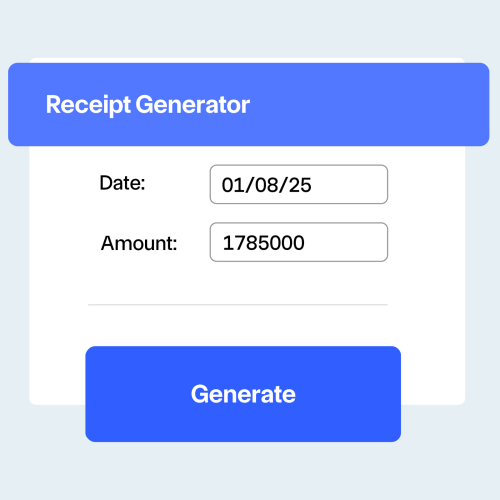
- Enter your business details — add your company name, address, contact info, and logo to personalize your receipts.
- Add customer information — include the buyer’s name, contact, and payment details for accurate transaction tracking.
- Input purchase details — list items or services with quantities, prices, taxes, and discounts. The tool auto-calculates totals instantly.
- Generate and share — download, print, or email the professional receipt within seconds for your records or client use.
Receipt format with example
-
Use the format:
Total Amount = (Subtotal + Taxes) – Discounts + Additional Charges (if any) -
Where:
Subtotal = Sum of item prices (Quantity × Unit Price)
Taxes = GST or applicable tax percentage
Discounts = Any offers or reductions
Additional Charges = Delivery or service fees (if applicable) -
Example: A retail store sells goods worth ₹5,000 with 18% GST and a ₹200 discount.
Subtotal = ₹5,000 │ GST = 18% of ₹5,000 = ₹900 │ Discount = ₹200 -
Totals:
Total Amount = (₹5,000 + ₹900) – ₹200 = ₹5,700
Final Receipt Value = ₹5,700
Tips to create professional receipts
Include all transaction details
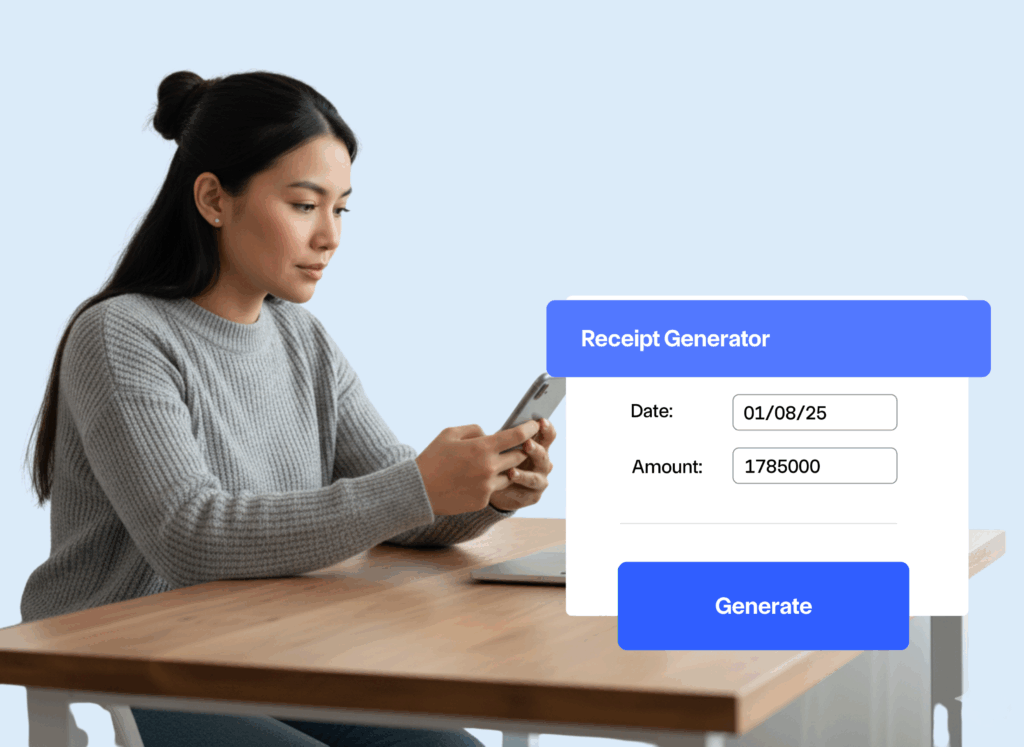
Always add the date, receipt number, amount, and payment method to ensure each receipt is complete and traceable.
Use a consistent template
Keep your receipts visually uniform with the same logo, colors, and font. It builds trust and strengthens your brand identity.
Add tax information
Show applied taxes, discounts, or service charges clearly so clients understand the exact cost breakdown.
Include customer details
Mention the customer’s name, contact, or invoice reference for easy record-keeping and clarity during audits.
Offer digital copies
Send receipts via email or download links. This adds convenience and professionalism for both you and your clients.
Maintain organized records
Store digital copies of all receipts for accounting, compliance, and future reference, it simplifies bookkeeping.
What is a reasonable receipt?
- A reasonable receipt clearly shows what was purchased, the total paid, and all applicable taxes — ensuring both transparency and accountability
- Example: For a restaurant bill of ₹2,000 with 5% GST, the final total should display ₹2,000 + ₹100 = ₹2,100, along with the payment mode and date.
- A well-structured receipt should always include business details, item descriptions, payment breakdown, and unique receipt numbers for accurate record-keeping.
Use cases for receipt generator
Retail stores & supermarkets
Quickly generate receipts for every transaction, ideal for POS systems and daily cash register summaries.
Freelancers & consultants
Create professional receipts for client payments, ideal for project-based or hourly billing.
Ecommerce & online businesses
Send automated digital receipts after each order, ensuring smooth post-purchase communication.
Frequently asked questions
Are digital receipts legally valid?
Yes, digital receipts are legally valid as long as they contain all required details such as business information, transaction date, receipt number, itemized list, taxes, and total amount. They are widely accepted by tax authorities.
Can I customize receipt templates?
Absolutely. You can upload your logo, choose colors, and adjust layouts to align with your brand identity. Customization ensures your receipts look professional and consistent.
How secure is my business information?
Our receipt generator uses encryption and secure servers to protect your business and customer data. Information is handled following industry-standard security protocols.
Can I generate receipts for different currencies?
Yes, the receipt generator supports multiple currencies, making it ideal for businesses that operate internationally or cater to diverse markets.
Is there a limit to how many receipts I can generate?
No, there’s no strict limit. Whether you need occasional receipts or generate them in high volumes, the platform accommodates businesses of all sizes.
Can I access my receipt history?
Yes, generated receipts are stored in your account, creating a searchable transaction history that you can access anytime for accounting or customer queries.
Can I include taxes and discounts in receipts?
Yes. The generator automatically calculates taxes, discounts, and subtotals to ensure accuracy and compliance with regulations.
Can I share receipts directly with clients?
Yes. Receipts can be downloaded as PDFs, printed, or emailed directly to clients, offering flexibility for both businesses and customers.