Quotation Maker
Quotation Maker – Create Professional Quotes Instantly
Loading Quotation Maker…
Check Razorpay products for your business
Razorpay POS
Collect payments swiftly in your store with Razorpay POS and its interesting offers.
Payment Pages
Easiest way to accept domestic & international payments with custom-branded online store.
What is a quotation maker?
- A quotation maker is an online tool that helps businesses create professional quotes quickly and accurately without manual formatting or spreadsheets
- It allows you to add product details, prices, client information, and terms of service — generating ready-to-send quotations in minutes.
- Modern quotation makers include automatic tax and discount calculations, multiple currency options, and branded templates to maintain a professional image.
How to use the quotation maker
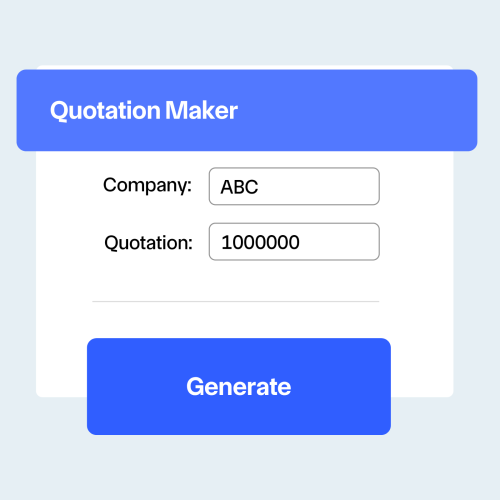
- Access the platform — visit our free online quotation maker and log in or create an account to start creating quotes instantly.
- Enter your business and client details — add company name, contact information, and client data to personalize and brand your quotations.
- Build and generate your quote — list products or services with prices, taxes, and discounts, then download or share the finalized PDF instantly.
Quotation formula with example
-
Use the formula:
Total Quote Amount = (Sum of Item Amounts + Taxes) – Discounts -
Where:
Item Amounts = Quantity × Unit Price
Taxes = Applicable GST or other tax on subtotal
Discounts = Any promotional or client-specific reductions -
Example: A company provides graphic design services worth ₹40,000 with 18% GST and a ₹2,000 discount.
Subtotal = ₹40,000 │ Tax = 18% of ₹40,000 = ₹7,200 │ Discount = ₹2,000 -
Totals:
Total Quotation Amount = (₹40,000 + ₹7,200) – ₹2,000 = ₹45,200
Final Amount Payable = ₹45,200
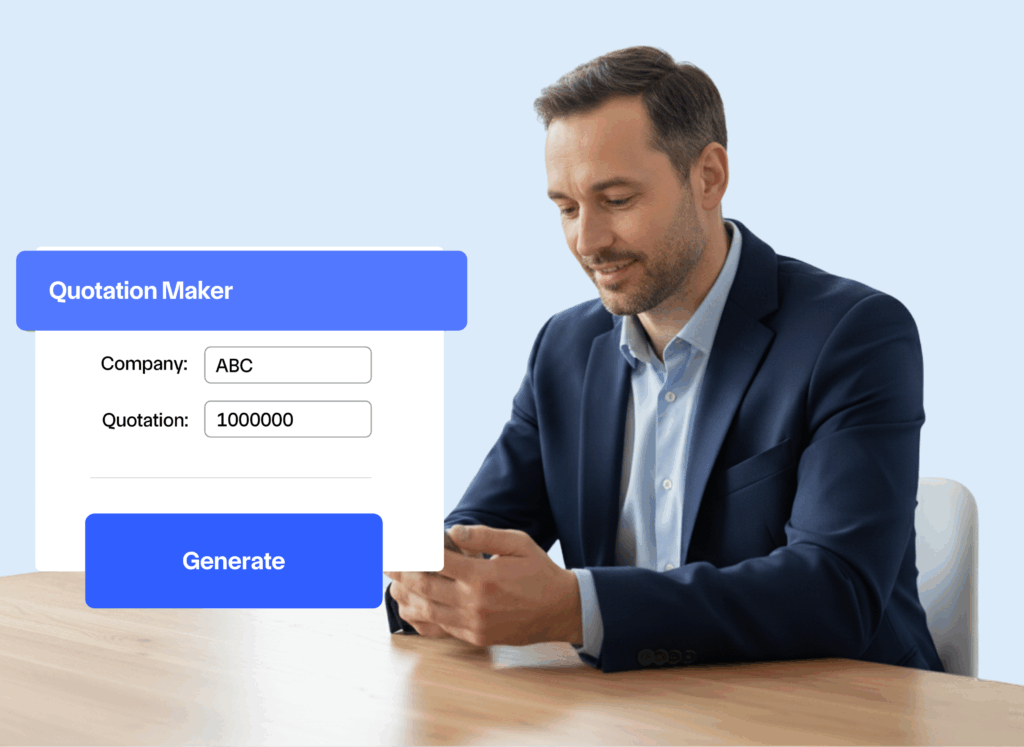
How does a quotation maker help
Saves time
Automates calculations and formatting, reducing manual work.
Improves accuracy
Minimizes pricing or tax errors with built-in auto-calculations.
Boosts professionalism
Well-designed, branded quotations leave a lasting impression on clients.
Enhances communication
Clear breakdowns of costs, terms, and deliverables reduce misunderstandings.
Supports faster approvals
Digital sharing and client acceptance features speed up deal closures.
Better record-keeping
Automatically stores all quotations for easy tracking, follow-ups, and audits.
What is a reasonable quotation?
- Keep your quotation pricing transparent and detailed — include item descriptions, unit prices, applicable taxes, and discounts to build trust with clients
- Example: If a project costs ₹80,000, add 18% GST and offer a ₹5,000 discount; the final quote should clearly show ₹80,000 + ₹14,400 – ₹5,000 = ₹89,400.
- Align your quotations with market standards — ensure prices reflect fair value while maintaining a sustainable profit margin for your business.
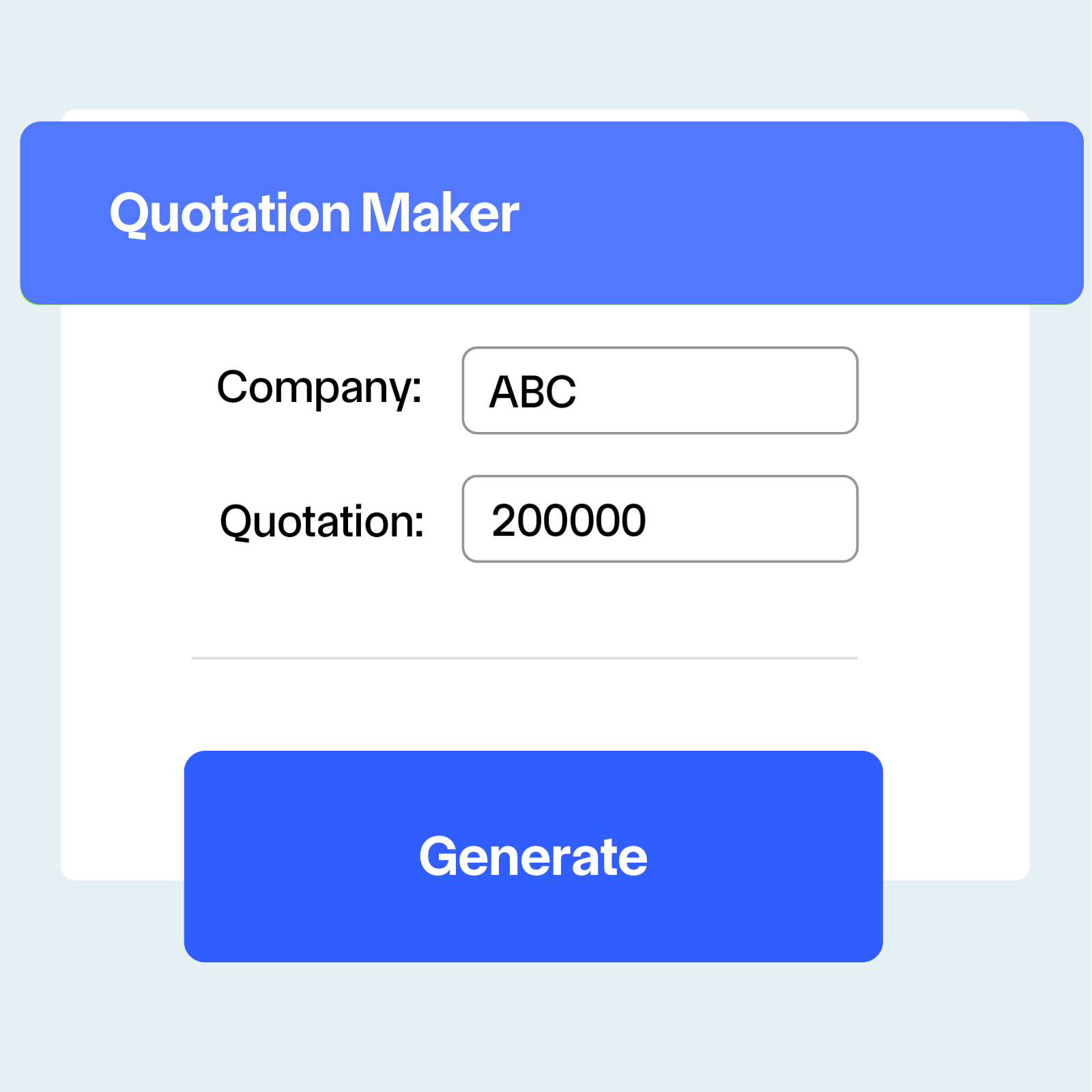
Use cases for quotation maker
Freelancers & consultants
Send detailed service quotes quickly to new clients.
Contractors & service providers
Generate project-based estimates with taxes and payment terms.
International businesses
Create quotations in multiple currencies with region-specific tax rules.
Frequently asked questions
Is the online quotation maker really free to use?
Yes, our free quotation maker includes all essential features needed to create professional quotations. Advanced features such as custom branding, multiple templates, and reporting may be part of premium plans.
Can I customize the appearance of my quotations?
Absolutely. You can add your logo, adjust colors, and choose from multiple templates to ensure your quotations align with your brand identity.
How secure is my business and client information?
We use SSL encryption, secure storage, and regular security audits to safeguard sensitive business and client data. Your information is protected at every step.
Can I track whether clients have viewed my quotations?
Yes. Our system includes read receipts and tracking notifications, letting you know when a client has opened your quotation so you can follow up promptly.
What file formats are available for download?
Quotations can be generated in PDF format for universal compatibility. Depending on your plan, additional formats such as Word or Excel may also be available.
Is there a limit to how many quotations I can create?
No. The free version allows unlimited quotation creation, making it suitable for freelancers, small businesses, and larger enterprises alike.
Can I include taxes and discounts in my quotation?
Yes. The quotation maker supports automatic tax calculations and discount applications, ensuring your quotes are accurate and transparent.
Can clients accept or approve quotations online?
Yes. Many quotation makers provide a client acceptance feature where customers can approve, decline, or request changes directly within the platform.