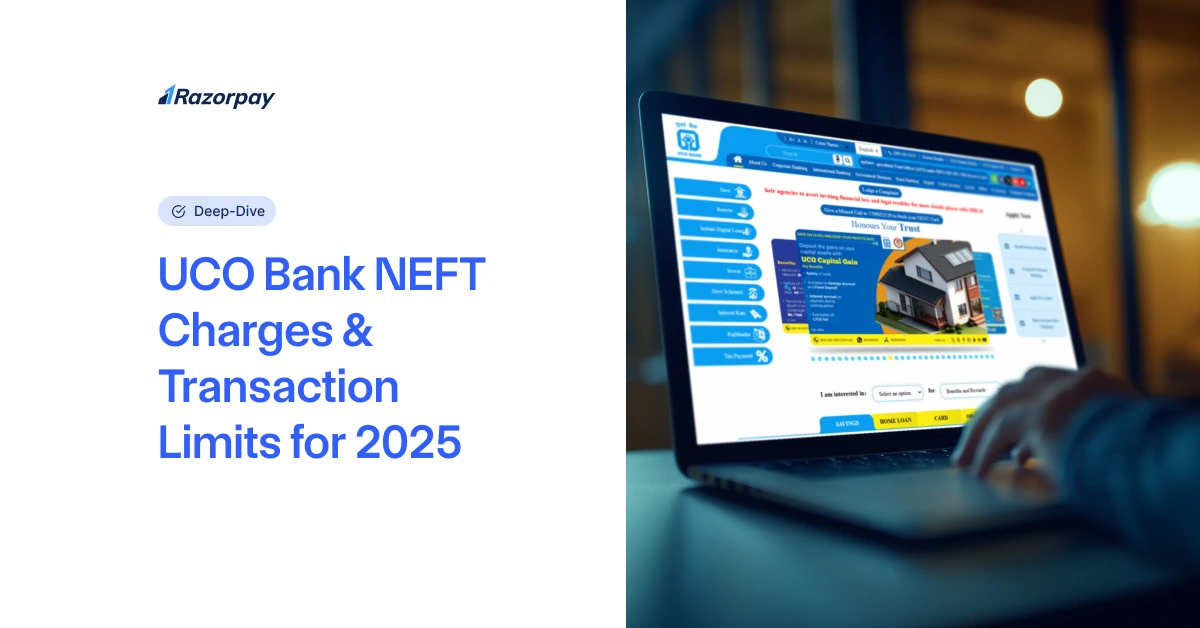
NEFT, or National Electronic Funds Transfer, is a popular mode of transferring money from one bank account to another. UCO Bank, a leading public sector bank in India, offers NEFT services to its customers. UCO Bank’s NEFT service enables seamless fund transfers across banks in India. Understanding the 2026 charges is crucial to avoid unexpected costs and manage transactions efficiently. In this article, we’ll dive into the details of UCO Bank NEFT Charges, transaction limits, timings, and guidelines for 2026, helping you make informed decisions about your money transfers.
Table of Contents
Detailed Breakdown of UCO Bank NEFT Charges (2026)
NEFT Transaction Charges at UCO Bank vary based on the transaction amount and mode of initiation. Here’s a comprehensive breakdown of the fees for both online and offline transactions:
Transaction Amount |
Charges |
|---|---|
|
Up to ₹10,000 |
₹2.25 + GST |
|
₹10,001 to ₹1 lakh |
₹4.75 + GST |
|
₹1 lakh to ₹2 lakhs |
₹14.75 + GST |
|
Above ₹2 lakhs |
₹24.75 + GST |
Please note that these charges are applicable for both online (net banking and mobile banking) and offline (branch-based) NEFT transactions. There are no additional charges based on the transaction amount.
UCO Bank Transaction Limits and Timings
When it comes to NEFT transactions, UCO Bank has set certain limits and timings to ensure smooth processing and security. The maximum amount per transaction is not capped, allowing customers to transfer large sums of money as needed. However, the minimum amount per transaction is set at ₹1.
NEFT Timings at UCO Bank are as follows:
- NEFT transactions are processed in hourly batches, with 48 settlements occurring between 12:30 am and 12:00 midnight.
- On weekdays, the settlements are half-hourly from 8:00 am to 7:00 pm.
- The first settlement batch begins at 8:00 am (after 00:30 hrs), while the last settlement batch is at 7:00 pm (after 18:30 hrs).
- On Saturdays, NEFT services are available from 8:00 am to 1:00 pm.
- NEFT services remain unavailable on Sundays and bank holidays.
There is no limit on the maximum number of transactions per day, allowing customers to initiate multiple NEFT transfers as per their requirements.
How to Use NEFT with UCO Bank?
Using NEFT with UCO Bank is a simple and straightforward process. Here’s a step-by-step guide:
Online (Net Banking/Mobile Banking):
- Log in to your UCO Bank net banking portal or mobile app.
- Navigate to the ‘Payments/Transfers’ section and select ‘NEFT’.
- Enter the beneficiary details, including their name, account number, and IFSC code.
- Enter the amount you wish to transfer.
- Authenticate the transaction using an OTP or transaction password.
- Your NEFT request will be processed in the next available batch.
Offline (Branch):
1. Visit your nearest UCO Bank branch.
2. Obtain an NEFT transfer form from the counter.
3. Fill out the NEFT form, providing the following details:
- Beneficiary name, account number, and IFSC code
- Amount to be transferred
- Your name, account number, address, and contact number
4. Submit the completed form along with a valid identity proof to the bank official.
5. The bank will process your request and provide you with a acknowledgment slip containing a reference number.
To ensure a seamless NEFT experience, keep the following points in mind:
- Double-check the beneficiary’s account details, especially the IFSC code, before initiating the transfer.
- UCO Bank does not validate the beneficiary name, so it’s crucial to enter the correct account number.
- In case of an incorrect or invalid account number, the transaction will be returned to your account within 2 working days.
- UCO Bank is not liable for any transfers made based on incorrect details provided by the customer.
Conclusion
UCO Bank NEFT Charges in 2026remain competitive and customer-friendly, with free online transactions and reasonable charges for branch-based transfers. By understanding the fee structure, transaction limits, and timings, you can make the most of this efficient fund transfer system.
With the convenience of 24×7 availability, no minimum or maximum transfer limits, and reasonable NEFT Transaction Charges, UCO Bank ensures that both personal and business transactions can be carried out seamlessly.
Remember to keep track of any updates or changes in NEFT guidelines and fees by regularly visiting the UCO Bank website or contacting their customer support. With the right knowledge and awareness, you can leverage the benefits of NEFT services and enjoy seamless fund transfers with UCO Bank.
Frequently Asked Questions (FAQs)
1. Is NEFT chargeable in UCO Bank?
UCO Bank does not charge any fees for online NEFT transactions through net banking or mobile banking. However, branch-based NEFT transactions attract charges based on the transaction amount.
2. Are there any hidden fees associated with NEFT transfers at UCO Bank?
No, there are no hidden fees associated with NEFT transfers at UCO Bank. The charges are transparent and clearly stated based on the transaction amount and mode of initiation (online or offline).
3. How do I initiate an NEFT transfer through UCO Bank?
You can initiate an NEFT transfer through UCO Bank’s net banking portal or by visiting your nearest UCO Bank branch. For online transfers, log in to your account, navigate to the ‘Payments/Transfers’ section, select ‘NEFT’, enter the beneficiary details, and authenticate the transaction. For offline transfers, fill up an NEFT form at the branch and submit it along with a valid identity proof.
4. What is the maximum NEFT charge for UCO Bank?
The maximum NEFT charge for UCO Bank branch-based transactions is ₹25 + GST for amounts above ₹2 lakhs. Online NEFT transactions are free of charge.
5. Are there any charges for failed NEFT transactions in UCO Bank?
No, UCO Bank does not refund the NEFT charges for failed transactions. If a transaction fails due to incorrect beneficiary details or other reasons, the funds are automatically credited back to the sender’s account.
6. How long does it take for an NEFT transfer to be completed at UCO Bank?
If the transaction is initiated and approved before the last batch of the day (7:00 PM), funds are usually credited on the same day. For transactions initiated after 7:00 PM, funds will be credited to the beneficiary account on the next working day. However, the actual time of credit depends on the beneficiary bank processing the inward NEFT transaction.
7. Can I track my NEFT transaction at UCO Bank?
Yes, you can track your NEFT transaction through UCO Bank’s net banking or mobile banking platforms. Simply log in to your account and navigate to the transaction history section to view the status of your NEFT transfer.