Available in🇮🇳 India
You can close a QR Code. A customer cannot make payments for the closed QR Codes. Know more about QR Code States.
Handy TipsQR Codes that support multiple payments cannot be closed.
Close a QR Code from the Dashboard
Here is short video on how to close a QR code from the Dashboard.
To close a QR Code:
- Log in to the Dashboard.
- Click on QR Code.
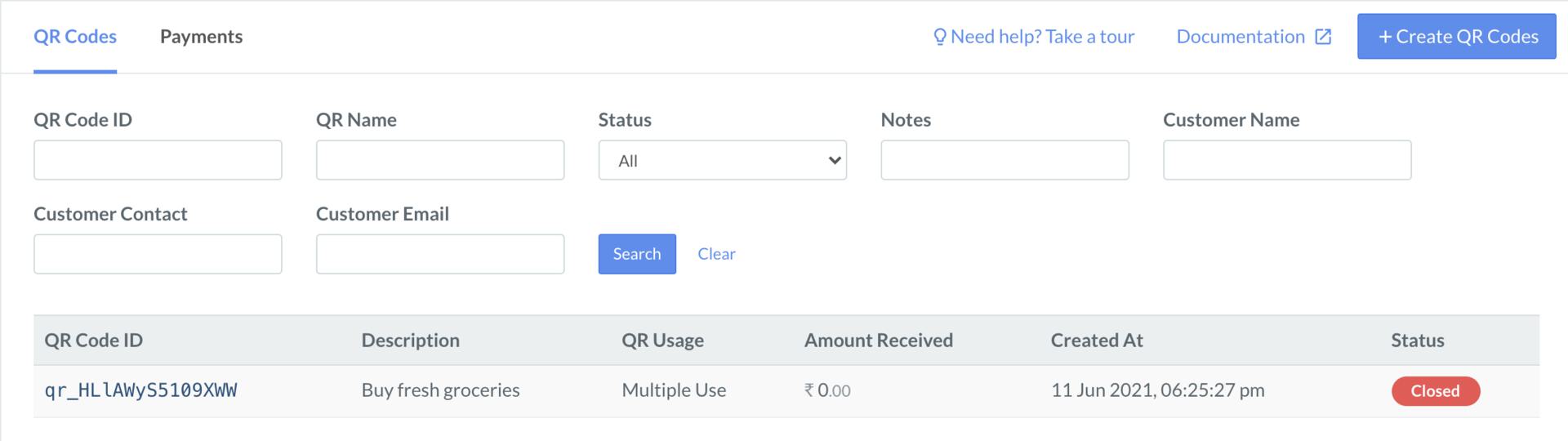
- Search for the QR Code that you want to close using the search criteria.
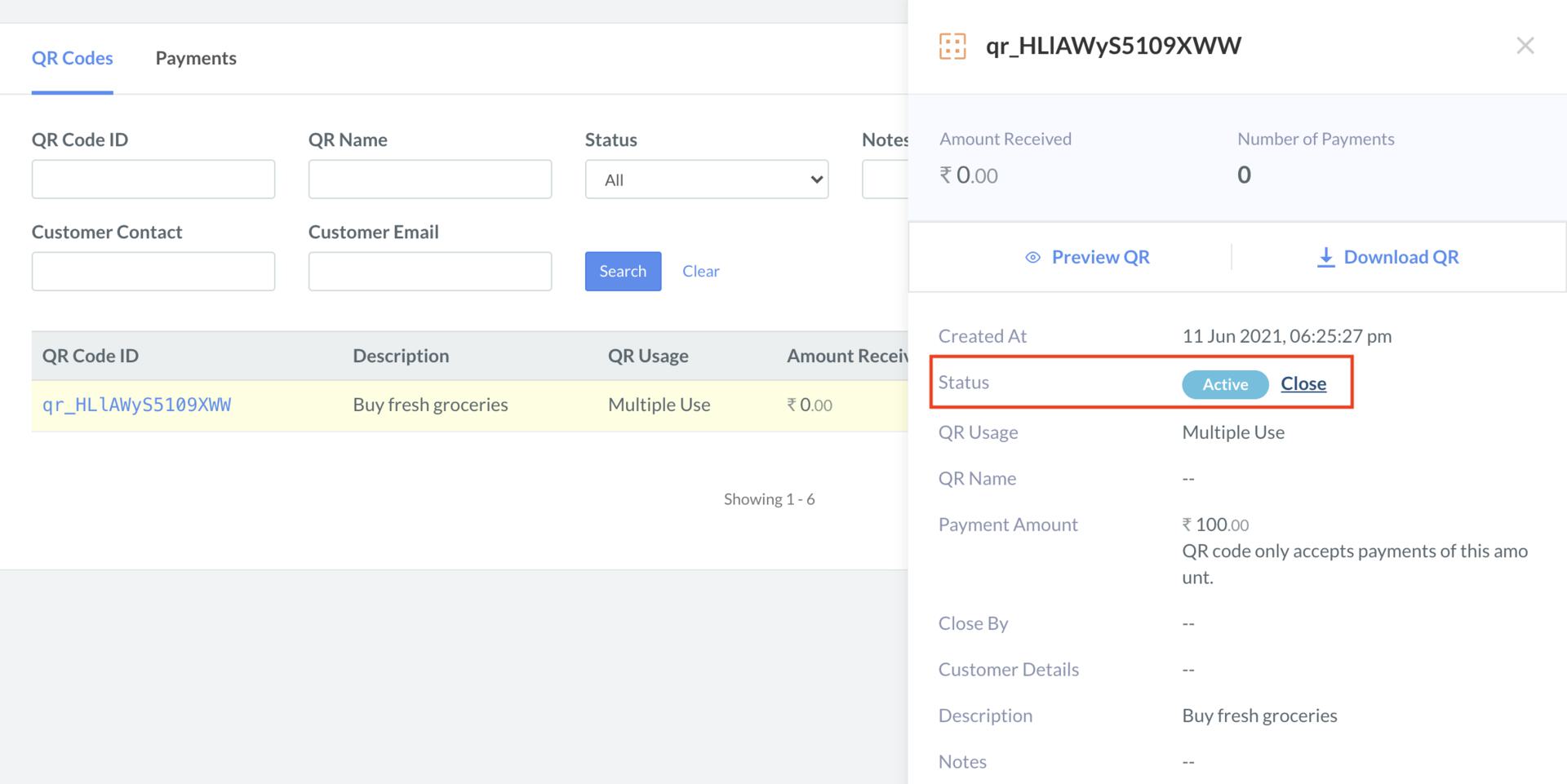
- Select the QR Code ID.
- On the right-hand side panel, click the Close button.
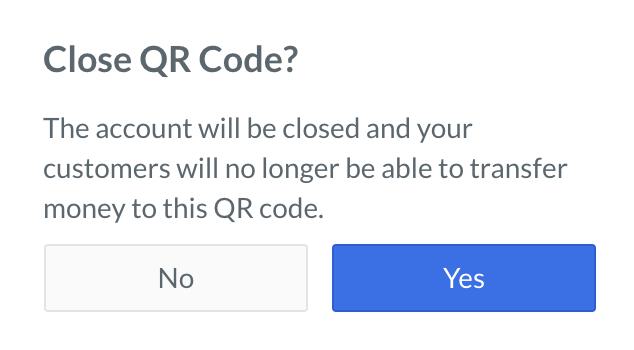
- On the Close QR Code? dialog box, click Yes to confirm the closure.