

Available in🇮🇳 India
Customer Looking for RefundsIf you are a customer who has used one of the Razorpay products to make payments and looking for a refund, read about Customer Refunds.
You are a registered Razorpay UserIf you have a Razorpay User ID (Merchant ID/MID), and you:
- Run a business or are a freelancer.
- Use Razorpay products to receive payments from your end-users and/or make payouts for business purposes.
Contact Razorpay Support
To contact the Razorpay Support team:
To contact the Razorpay Support team:
- Log in to the Dashboard.
-
Click Help & Support.
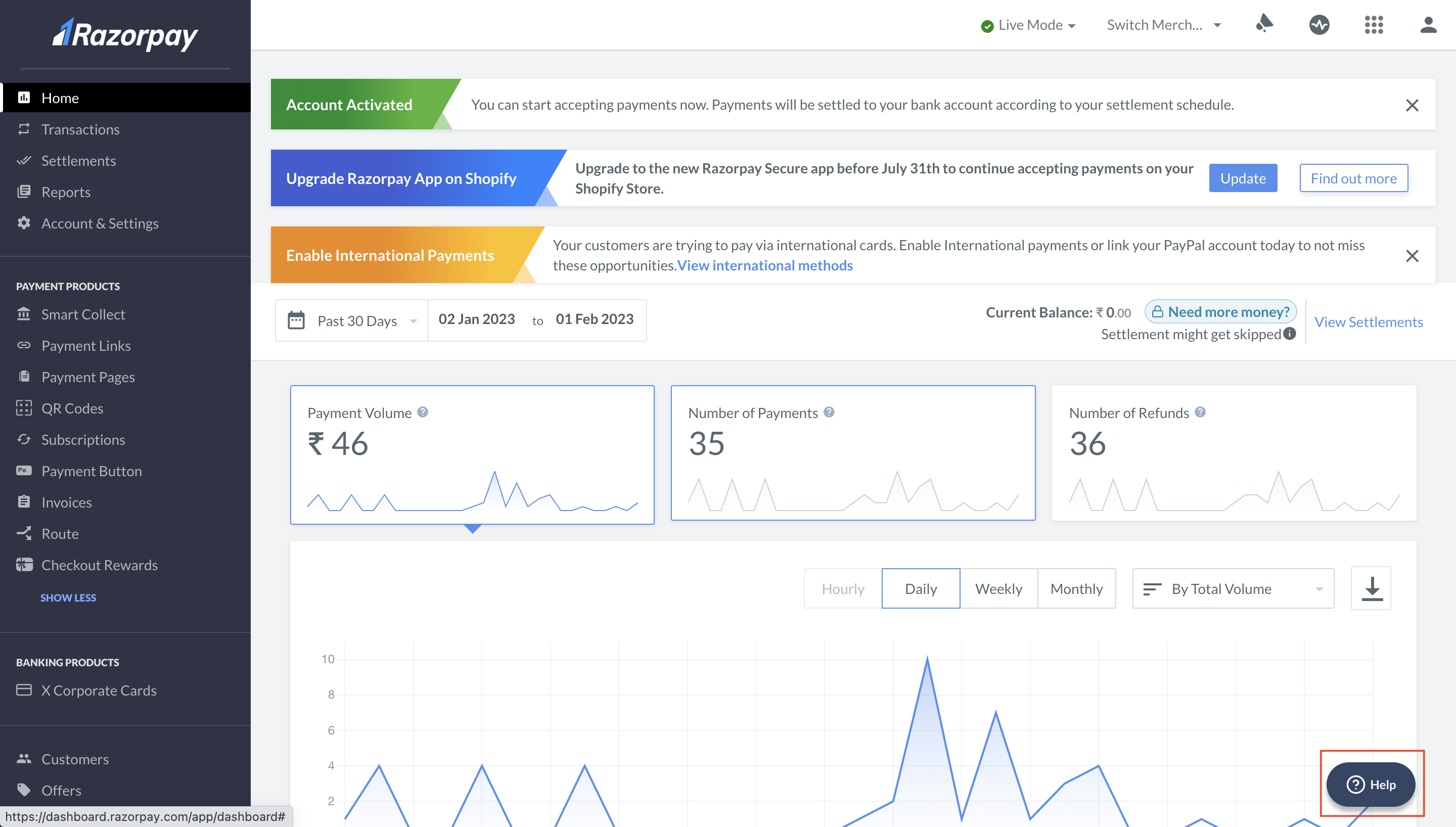
- Check the FAQs for common concerns. If the FAQs can not resolve your concern, click Contact Us.
-
You have the following options in the Contact Us section:
- Create ticket: Check existing queries or raise a new support ticket.
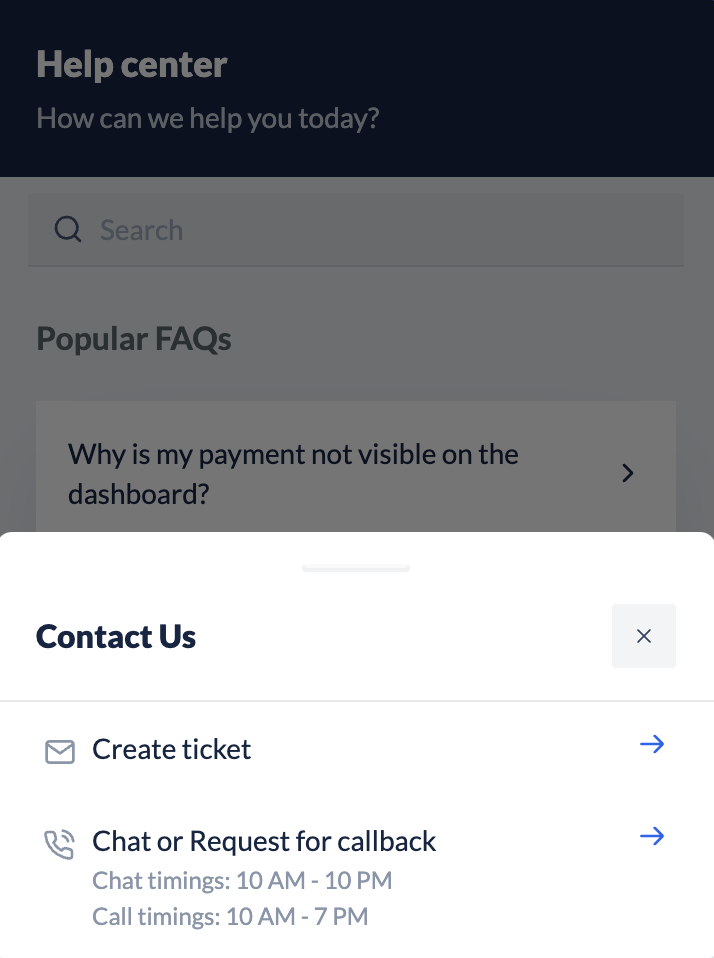
Create Support Ticket
You can check existing queries or raise a new support ticket through the Dashboard.To raise a new ticket:
To raise a new ticket:
- Log in to the Dashboard.
- Navigate to Account & Settings → Support tickets (under Business settings).
- Click Support tickets.
- Click + Raise New Query and select the relevant topic and sub-topic.
- Enter the details of your query and Upload file if necessary. Click Create support ticket.
- Confirm your phone number. The support ticket is created and details are sent to your registered email id. Click Done.
Track Status of Existing Tickets
Know how to track your support tickets on the Dashboard.Handy TipsFor a faster support experience, reply to the relevant existing ticket instead of creating a new ticket.