Available in🇮🇳 India
When a customer completes payment on Magic Checkout, there is a small window between payment confirmation and final order placement on Shopify during which an item in the cart may go out of stock. This feature lets you control what happens in this scenario.
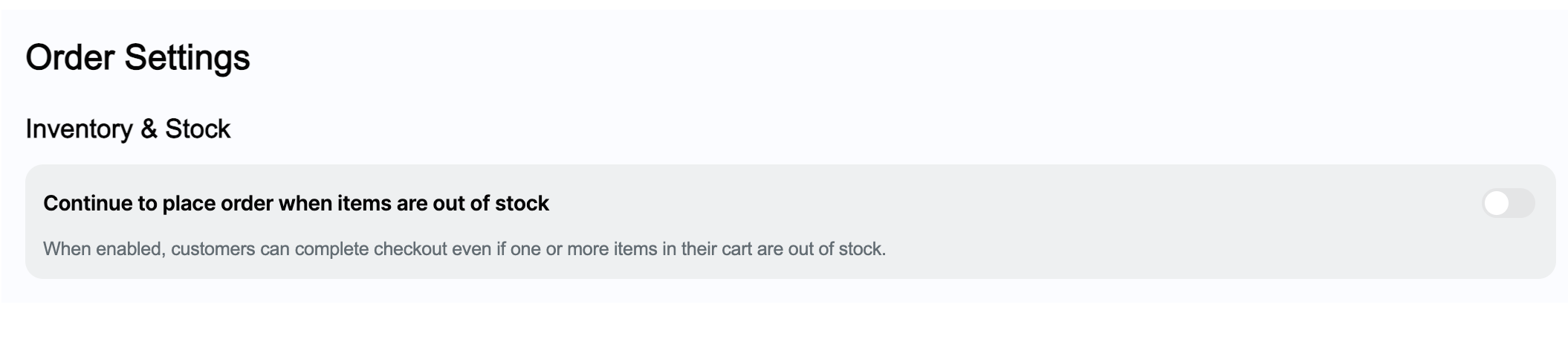
By default, Magic Checkout does not place the order on Shopify if an item goes out of stock after payment is collected and the customer is automatically refunded. If you intend to service all paid orders regardless of stock status, you can enable this setting to place the order on Shopify irrespective of stock availability.
How It Works
To configure inventory and stock settings:- Log in to the Dashboard and navigate to Magic Checkout → Setup & Settings → Order Settings.
- In the Inventory & Stock section, toggle on Continue to place order when items are out of stock.
- Enabled: The order is placed on Shopify even if an item goes out of stock after payment is collected. Use this if you intend to service all paid orders regardless of stock status.
- Disabled (Default): If an item is out of stock at the time of order placement, the order is not created on Shopify and the customer is automatically refunded.