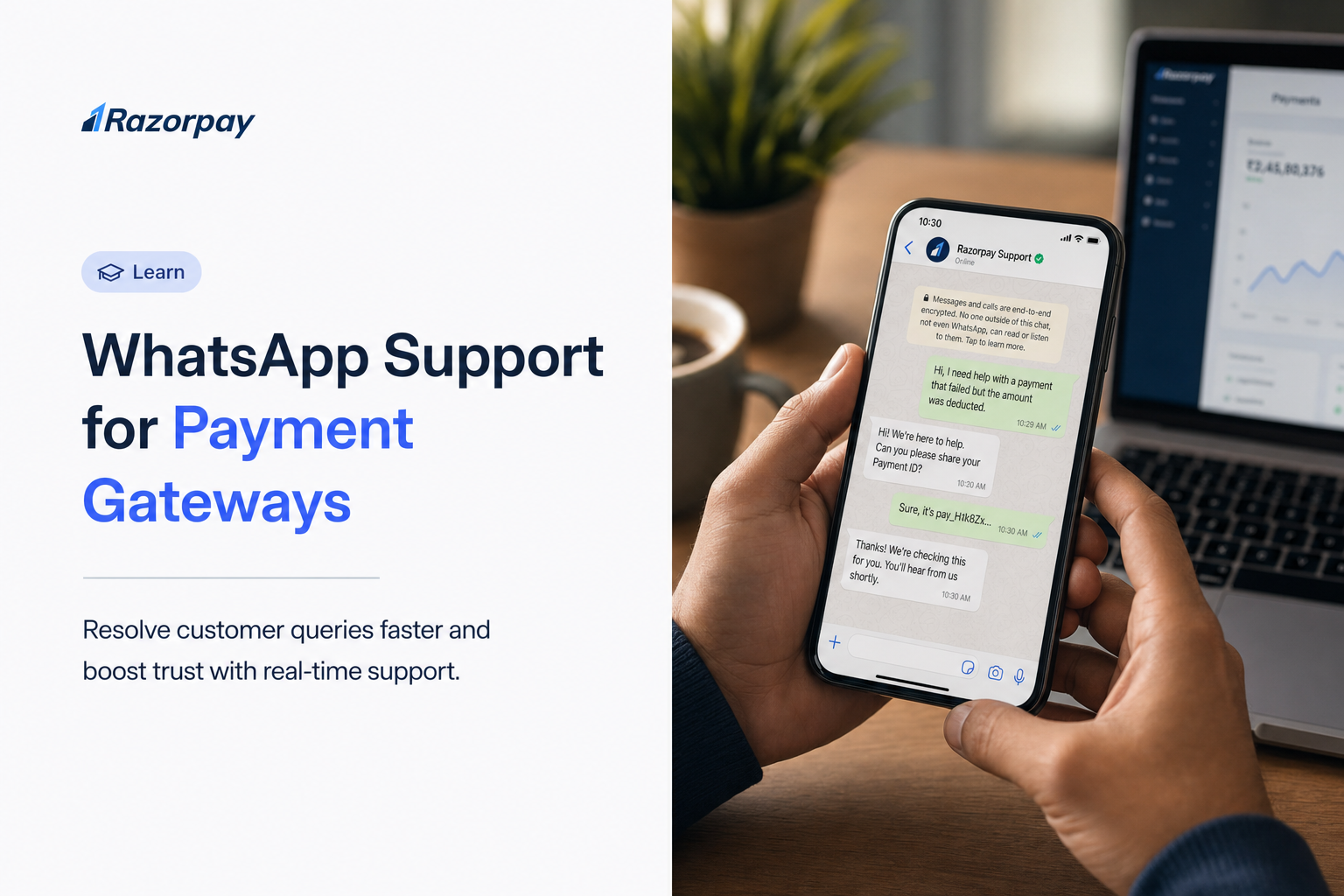
Indian customers increasingly discover products, decide, and want to pay without leaving a chat thread. Yet most merchants still treat WhatsApp as a support and marketing channel rather than a place where money changes hands. That gap matters: with UPI processing 185.76 billion transactions in FY 2024-25, the appetite for fast, in-app payment is enormous. This playbook closes the gap. It walks through the technical flow behind WhatsApp payment gateway support, the no-code entry path for sellers without websites, the reconciliation discipline that keeps your books clean, and the security controls the platform leaves to you.
Key Takeaways
- WhatsApp payment gateway support lets Indian merchants send order details, collect payments, and update order status all inside a single chat thread.
- The flow is built on Meta’s Payments API for India, which links a merchant’s payment gateway account to WhatsApp Business Manager via a named payment configuration.
- Supported payment methods include UPI, debit and credit cards, net banking, and wallets, routed through the linked gateway, as outlined in Meta’s developer documentation.
- Merchants receive webhook updates but must independently verify status via the payment lookup API before fulfilling orders.
- Reconciliation depends on a unique reference_id (maximum 35 characters) assigned per order.
- No-website sellers can start with Payment Links shared in WhatsApp chats before graduating to API flows.
- Cancelling an already-paid order returns error 2047, so fraud screening must happen before sending the order_details message.
Table of Contents
Why WhatsApp Has Become a Serious Payment Channel for Indian Merchants in 2026
WhatsApp’s transformation into a payment surface is the result of three converging forces: UPI’s massive scale, India’s mobile-first buying behaviour, and the chat-first habits of everyday shoppers. Understanding the wider digital payments ecosystem helps explain why in-chat checkout is no longer experimental. UPI accounts for more than 80% of India’s digital retail payments volume, so any UPI-friendly checkout surface inherits enormous reach.
Did You Know?
UPI recorded 13.4 billion transactions in May 2025 alone.
India’s UPI Scale Makes WhatsApp Checkout Commercially Significant
UPI’s volumes reflect a payment rail customers already trust and use daily. WhatsApp’s India payment flow plugs directly into this infrastructure, letting merchants collect through the same rails their customers prefer, without forcing a behaviour change.
Mobile-First Customers Expect to Complete Purchases Without Leaving Chat
With roughly 491 million smartphone users in India, the buying journey is overwhelmingly mobile. Every redirect from chat to an external web checkout adds friction, and friction costs sales. Global research puts the average cart abandonment rate near 70%.
WhatsApp Pay (P2P) vs WhatsApp Payment Gateway Support (Business)
WhatsApp Pay is a peer-to-peer feature for personal UPI transfers between contacts. WhatsApp payment gateway support is a merchant capability built on Meta’s Payments API that accepts business payments through a linked gateway. Two different products living in the same app.
How WhatsApp Payment Gateway Integration Works: The Technical Flow
The WhatsApp payment gateway integration follows a clear, repeatable sequence. The architecture mirrors any standard payment gateway integration: a configuration links your accounts, a message requests payment, the customer authenticates, and status flows back to you. Meta’s India Payments API uses order_details messages and webhooks to drive the entire lifecycle.
Step 1 – Link Your Payment Gateway to WhatsApp Business Manager
You begin by adding a payment configuration to your WhatsApp Business Account. This ties your gateway account to WhatsApp Business Manager. Each configuration carries a unique name, which you reference inside your API calls.
Step 2 – Send an Order Details Message to the Customer
To charge a customer, you send an order_details interactive message. Key fields include reference_id (unique, maximum 35 characters), currency (INR), total_amount (expressed with an offset of 100), and a type indicating digital or physical goods.
Pro-Tip: Assign your reference_id from your internal order management system, not a random string. It is the single thread connecting your WhatsApp message, gateway transaction, webhook, and reconciliation record.
Step 3 – The Customer Completes Payment Inside WhatsApp
The customer sees a payment method selector, picks UPI, card, or net banking, and authenticates with a UPI PIN or card OTP. The linked gateway processes the transaction with no exit from the chat.
Did You Know?
WhatsApp’s India payment flow supports both UPI Intent mode and embedded gateway checkout for cards and net banking, per Meta’s documentation.
Step 4 – Receive Webhook Notifications and Verify Payment Status
You receive webhook notifications as payment status changes, but you must never rely on webhooks alone. Independently call the payment lookup API to confirm the true state before fulfilling. Status values include new, pending, captured, canceled, and failed.
Step 5 – Send Order Status Updates Back to the Customer
Send order_status messages to move the order through states like processing, partially_shipped, shipped, completed, and canceled. Invalid transitions return error 2046, and cancelling a paid order returns error 2047. Merchants using Razorpay’s dashboard can match WhatsApp-initiated transactions to internal order IDs using the reference_id passed through the payment flow.
How Razorpay’s Payment Gateway Powers WhatsApp Checkout for Indian Merchants
Razorpay is supported as a payment configuration within WhatsApp’s India Payments API flow. Once linked, it processes payments customers initiate inside their chat thread, bridging the technical flow above with real settlement.
- Linked payment configuration: Razorpay’s Payment Gateway can be connected as the payment configuration in WhatsApp Business Manager, routing UPI, cards, wallets, and net banking through the checkout experience without the customer leaving WhatsApp.
- Payment Links for non-technical sellers: Razorpay’s Payment Links allow merchants without a website or API integration to generate and share payment requests directly inside WhatsApp chats.
- Smart Collect for tracking: Razorpay’s Smart Collect creates virtual accounts and UPI IDs that help merchants track and reconcile incoming payments, including WhatsApp-initiated transactions.
Explore Razorpay’s Payment Gateway
The No-Website Seller’s Entry Point: WhatsApp Payments Without an API Integration
Not every seller has a website, a developer, or a verified WhatsApp Business API setup, and they do not need one to start. Instagram sellers and homepreneurs can collect professionally using Payment Links and QR codes, then graduate to API flows as they grow. Since cart abandonment hovers near 70%, even a simple link that keeps the buyer close to the conversation improves conversion. For deeper context, see how a hosted payment page works.
Payment Links – The Fastest Way to Start Collecting on WhatsApp
You generate a link from a dashboard and paste it into the chat. Each link is tied to a specific amount and order. Razorpay’s Payment Links let merchants generate a trackable payment request and share it directly inside a WhatsApp chat, replacing informal screenshot-based collection with a professional, auditable flow.
QR Codes – For Merchants Selling In-Person and on WhatsApp Simultaneously
Dynamic UPI QR codes can be saved as images and shared in chats or displayed at a physical counter. Static codes stay fixed, while dynamic codes can carry a specific amount per order.
When to Upgrade from Payment Links to the WhatsApp Business API Flow
Watch for the signals: more than 50 orders monthly, a need for automated order status updates, or structured reconciliation across SKUs and refunds. These point to the API flow.
Pro-Tip: If you process more than 30 to 40 WhatsApp orders monthly, manual Payment Link tracking starts creating reconciliation gaps. That is the trigger to evaluate the API-based flow.
Post-Payment Workflows: Order Status, Refunds, and Reconciliation
Capturing payment is only half the job. What you do afterwards determines whether your books stay clean and your customers stay informed. A disciplined payment management system ties these workflows together. Remember that reference_id must be unique per order and capped at 35 characters.
Did You Know?
Neither WhatsApp nor API providers handle payment reconciliation. Merchants are responsible for matching gateway transactions to orders via reference_id, as noted in the Payments API documentation.
Sending Order Status Updates That Customers Actually See
Plain text messages do not update the WhatsApp order status page. Only order_status interactive messages do. Use the five values to keep the order card accurate. Once an order hits a terminal state like completed or canceled, no further transitions apply.
Handling Refunds Inside the WhatsApp Payment Flow
Refunds are processed through the gateway, not inside WhatsApp. The refund object includes fields like id, amount, speed_processed, status, and timestamps. Log every refund against the same reference_id or internal order ID so your audit trail stays complete.
Reconciliation – The reference_id Is Your Single Source of Truth
The reference_id must match across four touchpoints: the order_details message, the webhook payload, the payment lookup response, and the gateway transaction record. Generate it from your OMS, keep it unique per order, and respect the 35-character limit. A pattern like channel_orderID_date keeps it readable and traceable.
Security, Compliance, and Fraud Prevention for WhatsApp Payments
WhatsApp payment security operates across three layers: platform encryption, gateway authentication, and the merchant-side controls you build yourself. Treating a secure payment gateway as one part of a broader risk programme is essential. WhatsApp confirms its messaging security principles on its security page.
Did You Know?
Attempting to cancel a paid WhatsApp order returns error 2047, so fraud screening must happen before sending the order_details message, per the Payments API documentation.
Platform-Level Security: What WhatsApp Provides
WhatsApp Business Platform messages are end-to-end encrypted in transit. Every transaction requires UPI PIN or card authentication. Payment configurations must belong to the same Business Manager, preventing cross-account misuse.
Merchant-Side Fraud Prevention: What You Must Build
Verify status through the lookup API rather than trusting webhooks alone. Sanitize API response data to guard against SSRF, set velocity limits, and cancel suspicious orders proactively before payment. Razorpay’s Thirdwatch fraud-prevention suite can be layered into a merchant’s broader payment workflow to flag high-risk orders before they are confirmed and shipped.
RBI and NPCI Compliance Obligations
The UPI ecosystem is governed by NPCI and supervised by RBI. Maintain complete transaction records, apply GST invoicing where required, and document every dispute formally.
Choosing the Right WhatsApp Payment Approach for Your Merchant Profile
Match your approach to your volume and technical maturity. For broader grounding, review how different payment systems fit together.
Pro-Tip: If you sell physical goods, populate all beneficiary and shipping fields like country_of_origin, importer_name, and importer_address from your OMS before sending the order_details message. Missing fields cause silent failures.
| Tier | Profile | Tools | Volume |
|---|---|---|---|
| 1 – No-code | DM sellers, homepreneurs | Payment Links, QR Codes | Under 50 orders/mo |
| 2 – App-based | SMBs with verified WABA | WhatsApp Business App + payment config | Moderate |
| 3 – API-integrated | D2C, marketplaces | order_details API + webhooks | High volume |
How Razorpay Supports Merchants Across the WhatsApp Payment Journey
Razorpay’s product suite covers every stage of the WhatsApp payment lifecycle, from the first payment link shared in a DM to API-based order flows with structured reconciliation. Merchants can start with no-code tools and graduate to full integrations as volume grows.
| Stage | Razorpay Product | What It Does |
|---|---|---|
| No-code entry | Payment Links | Generate and share trackable payment requests in any WhatsApp chat |
| Hybrid in-store + chat | Dynamic UPI QR Codes | Shareable as images in chats or displayed offline for UPI collection |
| API-based WhatsApp checkout | Payment Gateway | Links to WhatsApp Business Manager as the payment configuration; routes UPI, cards, wallets, and net banking through order_details |
| Custom order tracking | Payment Gateway (notes + receipt) | Passes merchant-defined values through order messages, returned in webhooks |
| Post-payment reconciliation | Smart Collect | Creates virtual accounts and UPI IDs that help track and reconcile incoming payments |
| Fraud prevention | Thirdwatch | Flags high-risk orders before fulfilment |
| Cash flow flexibility | Instant Settlements | Gives businesses access to funds outside the standard settlement window |
| Recurring payments | Subscriptions (UPI Autopay) | Enables recurring mandates for subscription businesses |
Set up your Razorpay Payment Gateway and start accepting WhatsApp payments
Conclusion
WhatsApp is no longer a chat-only channel. It is a full commerce surface where Indian merchants can guide a customer from discovery to payment in one continuous thread. Getting it right rests on three pillars: understanding the technical flow of order_details, webhooks, and payment lookup; choosing the right no-code entry point and upgrading when volume demands it; and building the reconciliation and fraud discipline the platform itself does not provide. Razorpay supports that entire journey. As chat commerce continues to scale across India, the merchants who treat WhatsApp as a disciplined payment channel will win the next wave of growth.
FAQs
What is WhatsApp payment gateway support for merchants?
It is the ability to link a payment gateway account to WhatsApp Business Manager and send customers an order_details message that lets them pay via UPI, cards, or net banking without leaving WhatsApp. This differs from WhatsApp Pay, a peer-to-peer UPI feature for personal transfers.
Which payment methods does WhatsApp support for business payments in India?
UPI apps, debit and credit cards, net banking, and wallets, depending on what the linked payment gateway supports. Availability for any specific bank or app is determined by your gateway configuration.
Do I need a developer to accept payments on WhatsApp?
No, not for Payment Links or QR codes, which you can generate and share without any code. For the full order_details API flow with webhooks and automated status updates, you will need a developer or a Business Solution Provider.
How do I reconcile WhatsApp payments with my orders?
Use the reference_id you assign in the order_details message. Store it in your order management system, use the payment lookup API to retrieve status, and match it to your internal record. Neither WhatsApp nor API providers handle reconciliation.
What happens if a customer’s WhatsApp payment fails?
A failed status means the attempt failed but the customer can retry. A canceled status means no retry is possible. Merchants receive webhooks for both states and should always confirm the outcome via the payment lookup API.
Is WhatsApp payment safe for merchants and customers?
WhatsApp messages are end-to-end encrypted in transit, and every transaction requires UPI PIN or card authentication. Merchants should verify status via the lookup API and add their own pre-order fraud screening before sending the payment request.