

Available in🇮🇳 India
You can use the Dashboard to perform the following actions:
View Order Details From Dashboard
To view order details:- Log in to the Dashboard.
- Select Transactions from the left menu and go to the Orders tab.
-
A list of all the orders is displayed.
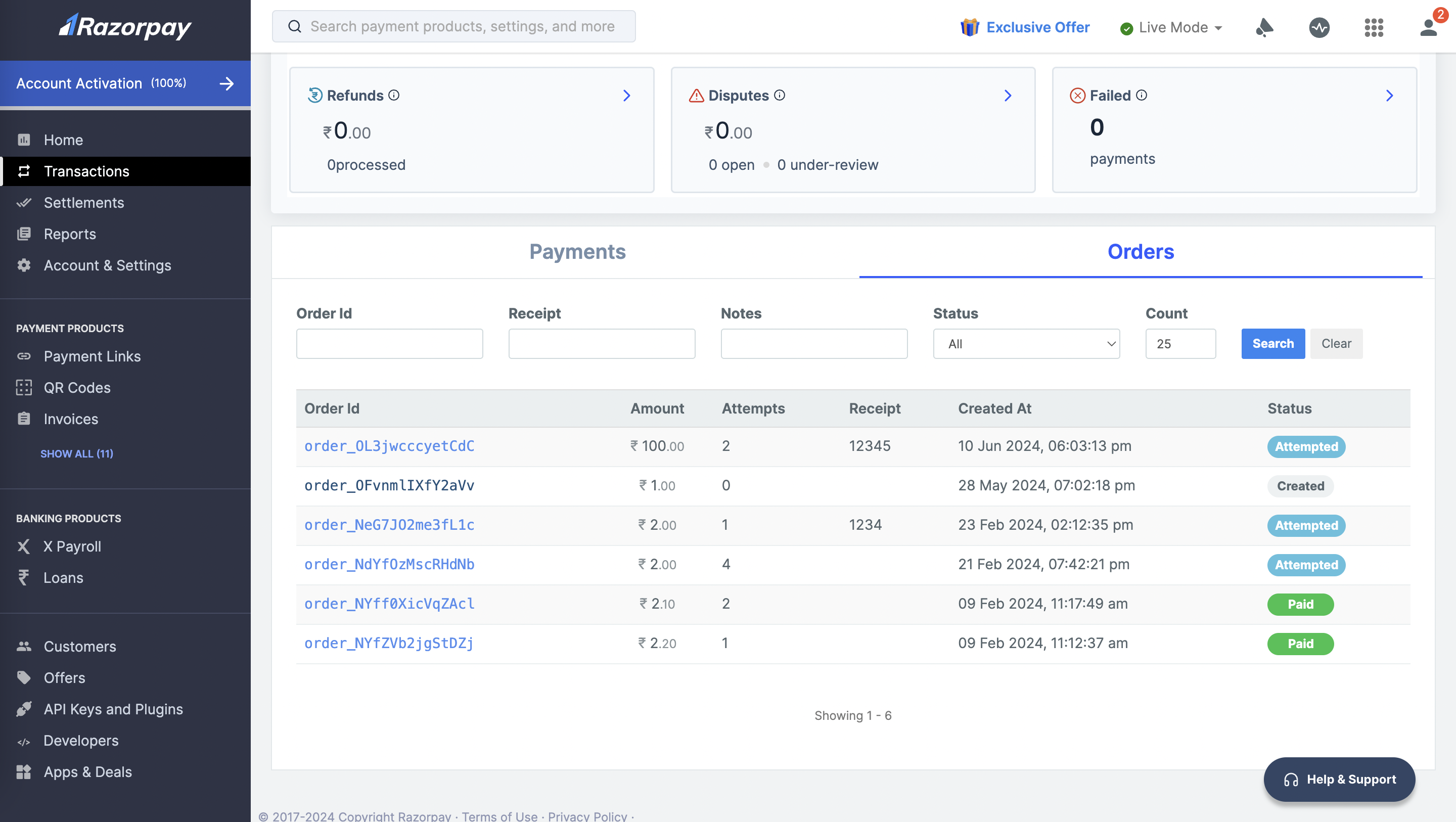
- Click an Order Id to view the details of the order.