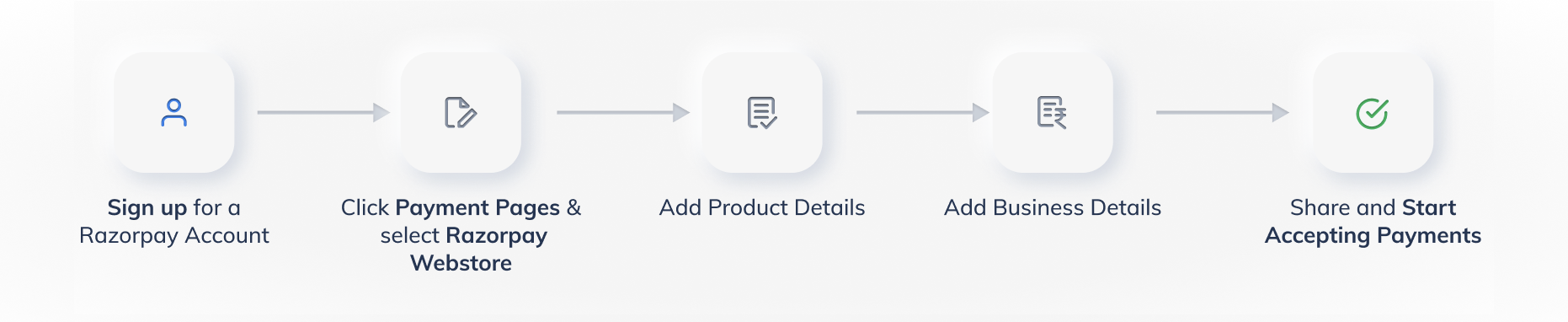
To create a Webstore, you first need to set up your Razorpay account. If you already have an account, log in to the Dashboard and navigate to Payment Pages. Click + Create Payment Page and then click Create Razorpay Webstore.
Add your products and configure the amount and input fields. For example, you can add quantity details, upload product images and so on. Know more about adding product details.
Configure page settings such as adding a custom URL slug, adding an expiry date and adding plugins and add-ons such as Facebook Pixel and Google Analytics. Know more about how to configure page settings.
Publish the Webstore and share the URL with your customers. The customers visit this Webstore, select the products they wish to buy, fill in the details, select a payment method and complete the payment. Know more about publishing a Webstore and sharing it with customers.