Available in🇮🇳 India
All Partners are onboarded as Service Partners by default. You can request a switch if you have a use case for the Aggregator Partner type. Know how to become a Razorpay Partner.
Request a Switch
To request a Partner type switch:- Log in to the Dashboard.
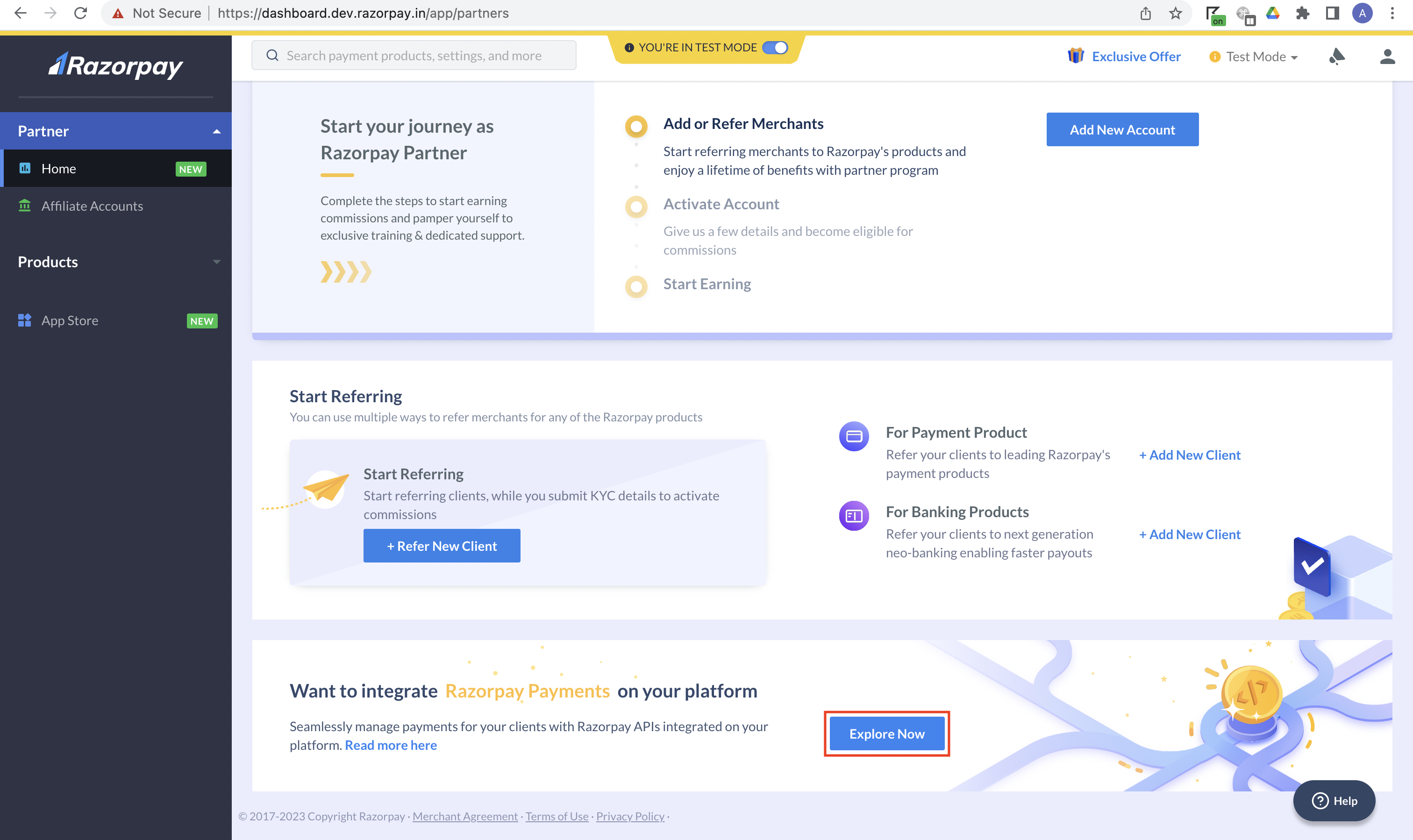
- Navigate to Partner → Home.
- Click Explore Now.
- On the Tell us more about the services you provide page, select the relevant business type and click Next.

- If your business type is best suited for the Service Partner type, you will see the below screen.

- If a different Partner type is more suitable for your business, you will see the below screen.
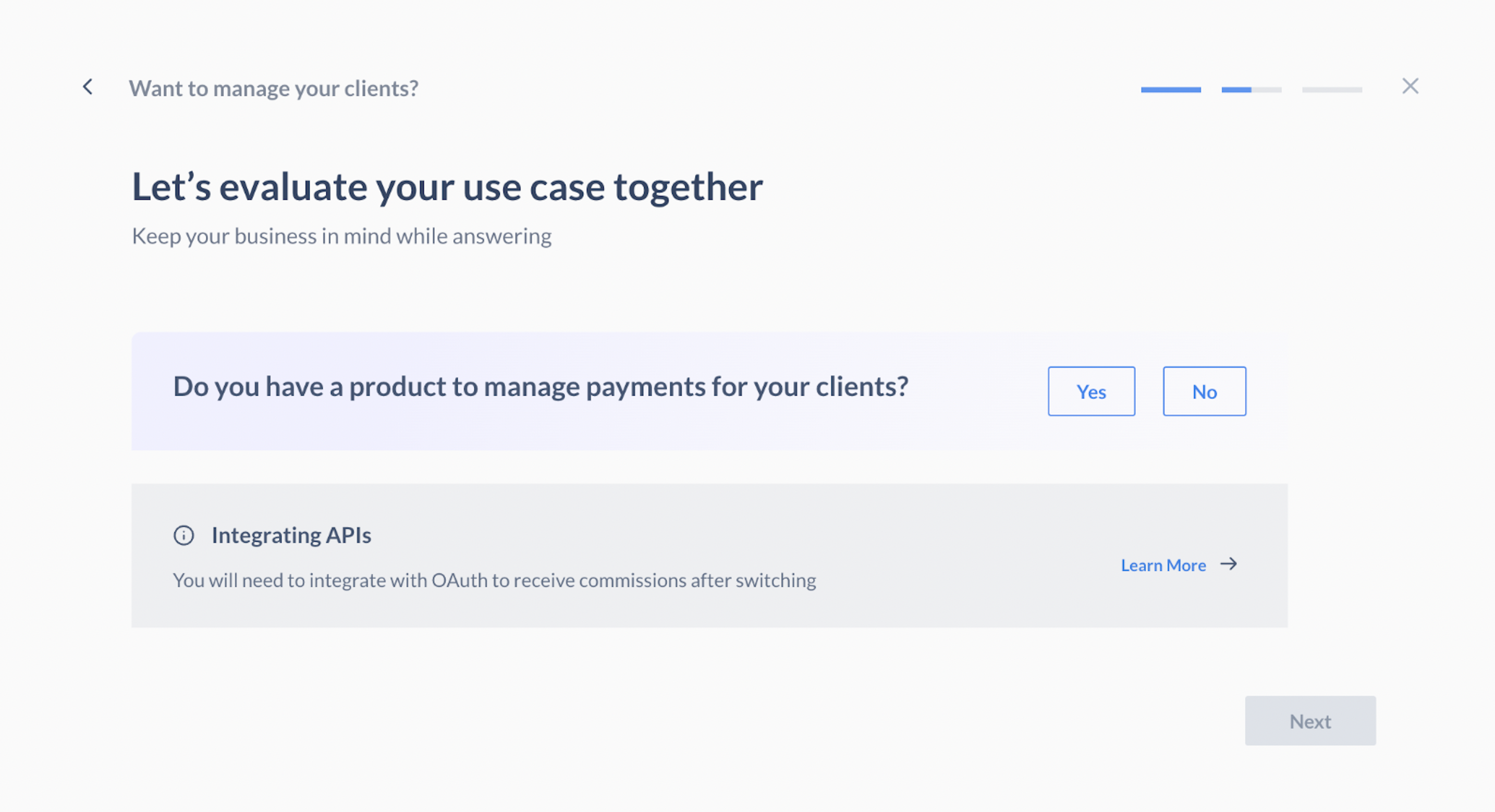
- Select Yes if you have a product to manage payments for your sub-merchants and click Next.
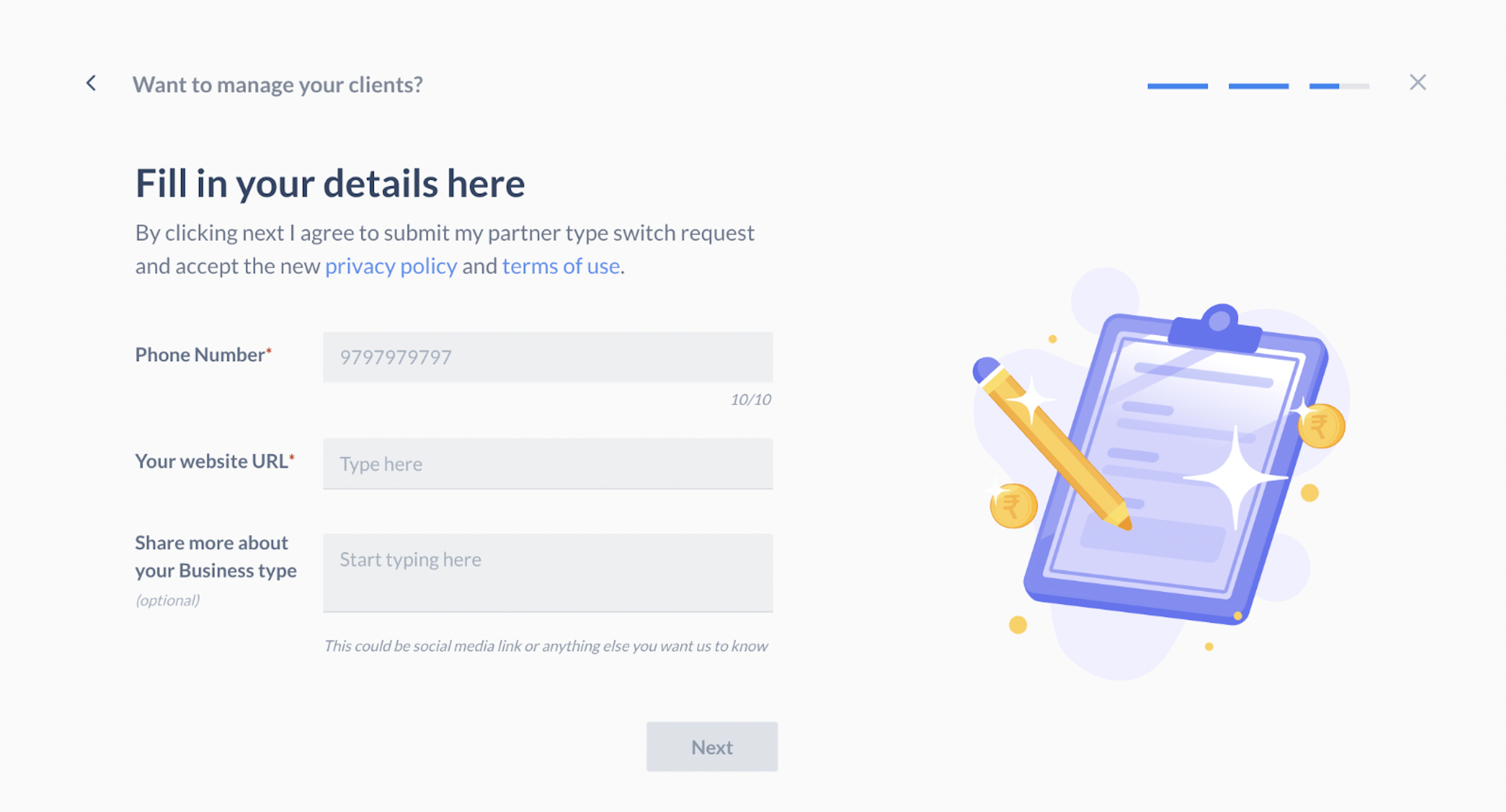
- Enter your phone number, website URL, and business details, and click Next.