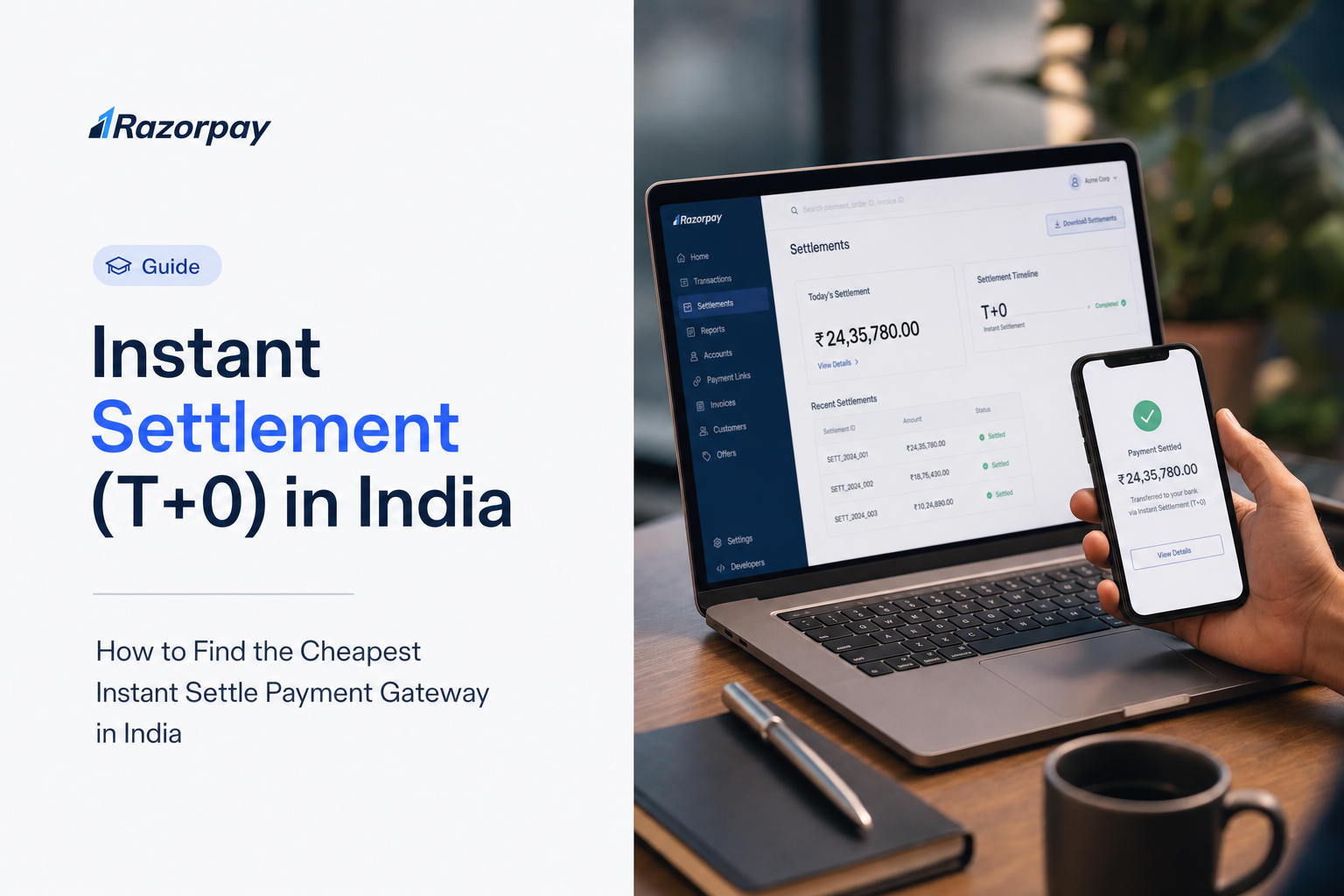
Razorpay Instant Settlements gives eligible businesses options to access payment funds sooner. For a dropshipping or retail business, this can help align available funds with supplier and inventory payments. Choose the settlement option that fits your cash-flow needs and the terms enabled for your account.
Key takeaways
- Payment capture and settlement to the business bank account are separate stages.
- Accelerated settlement has a separate cost from payment processing.
- Razorpay’s public Instant Settlements page lists different ranges for on-demand and automatic same-working-day settlement.
- The account’s enabled options, displayed charges and commercial terms govern actual availability and cost.
- Choose a schedule by comparing the cash-flow benefit with the applicable fee.
Compare the settlement options
| Option | What to check |
|---|---|
| Your standard settlement schedule | The schedule applicable to the merchant account and payment flow. |
| On-demand accelerated settlement | Available balance, account eligibility, displayed charge and transfer status. |
| Automatic same-working-day settlement | Enabled schedule, applicable working days, charges and account conditions. |
Review the Instant Settlements product page and the options shown in your Dashboard. Track payment success and bank settlement as two stages, and use the settlement status to confirm when funds reach your bank account.
Use the current price for the chosen option
As checked on 19 October 2026, the public product page displays a 0.20%–0.30% range for on-demand accelerated settlement and a 0.15%–0.20% range for automatic same-working-day settlement. Your Dashboard and account terms show the rate applicable to your selected option.
The product page states that the applicable pricing is shown before use and that same-day settlement carries an additional charge alongside the payment-gateway fee. Check the displayed price, your commercial terms and applicable taxes before enabling the service.
Use payment-gateway pricing for the processing component and Instant Settlements for the accelerated-settlement component. Include both components when estimating the cost of receiving funds sooner.
Calculate the cost before choosing a schedule
Additional settlement charge = amount accelerated × the applicable accelerated-settlement rate.
Check the quotation or invoice to determine how taxes and any other applicable items are treated. Compare the resulting charge with the value of receiving those funds earlier, such as meeting a supplier payment or reducing a short-term funding need.
Keep payment-processing fees and your own financing costs separate in the comparison. Use your account terms to determine how accelerated-settlement charges are treated if a payment is refunded.
Confirm availability and operating conditions
- Check which settlement options are enabled for your merchant account.
- Review the amount available for the selected option.
- Confirm the charge and any applicable taxes before activation or use.
- Check the operating schedule, limits and any account restrictions.
- Review the settlement status and reconcile it with the bank credit.
- Ask Support about an unexpected delay or unavailable option using the relevant account and settlement identifiers.
Use the account’s enabled schedule, available balance and applicable limits to plan supplier and inventory payments.
Frequently asked questions
Is the instant-settlement fee always 0.30%?
The published ranges are 0.20%–0.30% for on-demand settlement and 0.15%–0.20% for automatic same-working-day settlement, as checked on 19 October 2026. Your account’s displayed pricing determines the applicable rate.
Does a faster settlement schedule improve payment authorisation?
Settlement concerns the timing of funds after payment processing. Assess checkout success and bank settlement as separate outcomes.
Can every new merchant access the same option immediately?
Check the settlement options enabled in your Dashboard and confirm the eligibility requirements for your account.
What should I do if a settlement option needs account review?
Complete the applicable account review, then confirm which settlement options are available. Use the account and settlement identifiers when contacting Support.
How should I choose between the options?
Compare the applicable fee, availability and operating schedule with the amount and timing of your funding need.