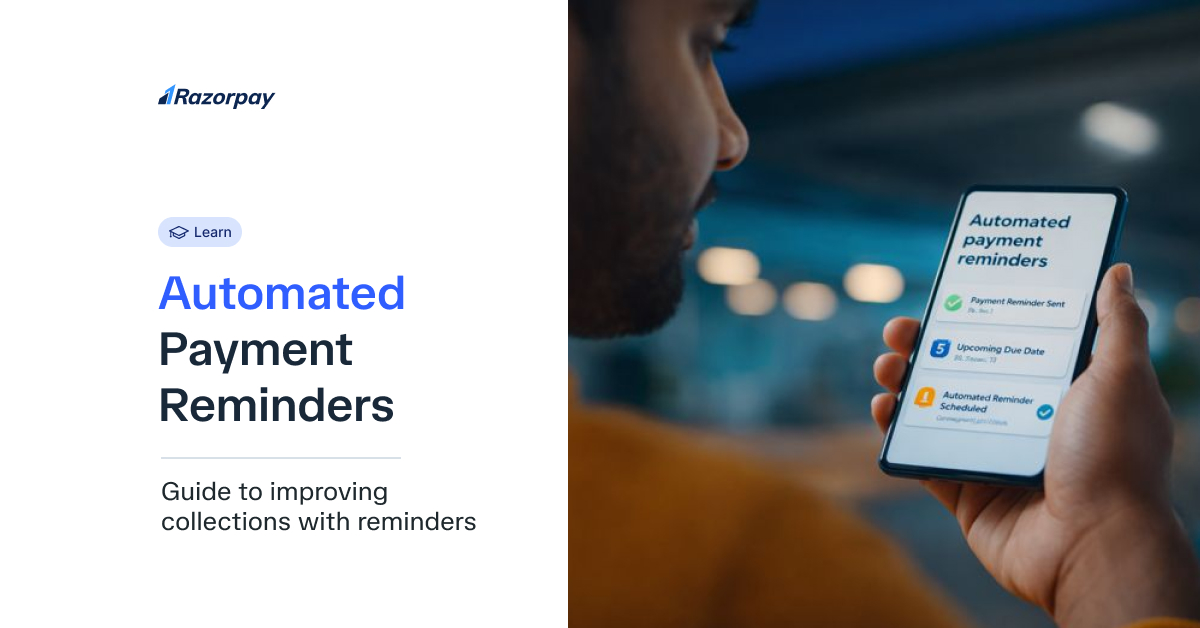
Managing cash flow remains one of the biggest challenges for Indian businesses, with overdue payments creating unnecessary financial strain. When customers delay payments, your working capital suffers, potentially disrupting operations and growth plans. Manual follow-ups consume valuable time and resources, often yielding inconsistent results.
Automated payment reminders transform this painful process into a streamlined system that works round the clock. These digital solutions ensure timely payment collection without the administrative burden of manual tracking and follow-ups.
Key Takeaways
Automated payment reminders reduce manual work and improve payment collection efficiency.
Timely reminders can significantly decrease overdue payments and bad debt.
Tools for automated reminders include email, SMS, and integrated payment systems.
Effective reminders improve customer relationships and cash flow management.
Text reminders (SMS) have higher open rates than emails, making them a valuable tool
Why Automated Payment Reminders Are Important for Your Business
Indian businesses lose approximately ₹10.7 lakh crore annually due to delayed payments, which cascades into their financial health. Small and medium enterprises particularly struggle when customers delay payments, forcing them to delay vendor payments or seek expensive lines of credit. Automated reminders address this critical issue by creating a systematic approach to payment collection.
Consider the typical payment collection cycle:
-
Generating invoices
-
Tracking due dates
-
Manually calling customers
-
Sending follow-up emails
-
Recording payment status
Each step demands time and attention from your team. Automation transforms this multi-step process into a seamless workflow that operates independently, freeing your staff for revenue-generating activities.
The psychology behind payment delays often involves simple forgetfulness rather than financial difficulties. Late payments occur because customers simply forgot about the invoice. Regular, polite reminders keep your invoice visible in their priority list, dramatically improving collection rates without damaging business relationships.
How Automated Payment Reminders Work
Modern automated payment reminders operate through sophisticated yet user-friendly systems that integrate with your existing billing infrastructure. The process begins when you configure reminder rules based on your business needs and customer segments.
Setting Up Reminder Triggers
Your payment system allows customisation of reminder schedules. Common configurations include:
• First reminder: 3 days before due date
• Due date reminder: On the payment deadline
• Overdue reminders: 3, 7, and 14 days after due date
• Final notice: 30 days post-due date
Personalised Messaging
The system pulls customer data directly from your invoice records, creating personalised messages that include:
• Customer name and business details
• Specific invoice numbers and amounts
• Clear payment due dates
• Direct payment links for instant action
Automated Sending Process
Once configured, the system operates autonomously, sending reminders through your chosen channels without manual intervention. Integration with a payment gateway like Razorpay ensures customers can pay immediately upon receiving the reminder.
Payment Link Integration
Each reminder includes a secure payment link directing customers to their preferred payment method. Whether they prefer UPI, net banking, or credit cards, the seamless payment experience increases the likelihood of immediate action.
Benefits of Using Automated Payment Reminders
• Improved Cash Flow: Businesses report 30-40% faster payment collection after implementing automated reminders.
• Time Savings: Eliminate 15-20 hours weekly spent on manual payment follow-ups.
• Consistency: Reminders are dispatched precisely on schedule, maintaining professional standards.
• Reduced Late Payments: Regular nudges decrease overdue accounts significantly.
• Better Customer Relationships: Professional, non-confrontational reminders preserve business harmony.
• Reduced Overhead: Lower administrative costs through decreased manual intervention.
How to Set Up Automated Payment Reminders
Step 1: Choose a Payment Reminder Tool
Select software that aligns with your business requirements. Businesses in India often rely on specialised financial platforms like Razorpay. Evaluate features like multi-channel support, payment gateway integration, and reporting capabilities before deciding.
Step 2: Set Up Reminder Triggers
Configure your reminder schedule strategically. Most businesses find success with:
• Friendly reminder: 5 days before due date
• Due date notification: Morning of payment deadline
• First overdue notice: 3 days post-due date
• Follow-up reminders: Weekly intervals thereafter
Step 3: Personalise the Reminder Text
Craft messages that balance professionalism with urgency. Include essential elements:
• Warm greeting with customer name
• Clear invoice details and amount
• Specific due date information
• Easy payment link
• Contact information for queries
Example: “Dear [Customer Name], your invoice #[Number] for ₹[Amount] is due on [Date]. Click here to pay instantly via UPI/Cards. Questions? Call 98765XXXXX.”
Step 4: Choose Delivery Methods (SMS, Email, or Both)
SMS reminders achieve 98% open rates compared to email’s 20-30%. However, combining both channels ensures maximum reach. Configure SMS for urgent reminders and email for detailed communications with attached invoices.
Step 5: Monitor Responses and Payments
Track reminder effectiveness through your dashboard. Monitor metrics like:
• Payment velocity post-reminder
• Channel effectiveness (SMS vs email)
• Customer payment patterns
• Reminder frequency optimisation needs
How to Set Up Automated Reminders on Razorpay
Manual follow-ups are prone to human error; you either forget to send them, or worse, you accidentally remind a client who has already paid. Razorpay Payment Reminders solves this by allowing you to configure a “Set it and forget it” workflow that works for every link you generate.
There are two ways to control this:
A. The “Global” Setting (Recommended)
If you want to ensure you never miss a payment, you can enable reminders for your entire account.
-
Step 1: Log in to your Razorpay Dashboard.
-
Step 2: Go to Account & Settings → Reminders.
-
Step 3: Toggle on “Payment Links Reminders”.
-
What happens: Razorpay will automatically send up to 3 reminders (via SMS and Email) to every customer who hasn’t paid yet. The best part? The system is smart as it automatically stops sending reminders the moment the payment is successful, so you never accidentally spam a paid customer.
B. The “Per-Link” Control
Sometimes you might have a sensitive client where you want to handle things personally.
-
When creating a specific Payment Link, you will see a checkbox for “Send auto reminders.”
-
Simply uncheck it for that specific transaction to disable automation, keeping that interaction manual while the rest of your business runs on autopilot.
Did You Know?
70% of overdue invoices can be reduced with automated payment reminders, improving cash flow and reducing customer disputes.
Automated Payment Reminder Text Examples
Friendly Reminder Text Example
“Hi [Customer Name], just a reminder that your payment of ₹[Amount] for invoice [Invoice Number] is due on [Due Date]. Kindly make the payment here: [Payment Link]. Thank you!”
Urgent Reminder Text Example
“Dear [Customer Name], your payment of ₹[Amount] for invoice [Invoice Number] is now overdue. Please make the payment urgently via this link: [Payment Link].”
Related Read: How to Collect Payments Faster with Payment Link Reminders
Common Mistakes to Avoid in Automated Payment
Reminders
• Overly Aggressive Reminders: Maintain a courteous tone to preserve customer relationships.
• Ignoring Payment Preferences: Include multiple payment options (Google Pay, UPI, credit card).
• Not Personalising the Message: Generic reminders get ignored; always use customer-specific details.
• Too Many Reminders: Limit frequency to avoid customer irritation
Enhance Your Payment Process with Automated Reminders
Implementing automated payment reminders revolutionises your collection process, transforming a time-consuming task into an efficient, systematic operation. The combination of improved cash flow, reduced administrative burden, and maintained customer relationships makes automation essential for modern business success.
Start integrating these intelligent reminder systems immediately to experience faster payments and healthier financial operations.
Ready to streamline your payments?
FAQs
1. How do automated payment reminders help with cash flow?
They accelerate payment collection by sending timely notifications, reducing the average payment delay from 45 days to 15-20 days.
2. How can I set up automated reminders for my invoices?
Choose a payment platform, configure reminder schedules, personalise message templates, and integrate with your billing system.
3. Is it better to send automated reminders by SMS or email?
SMS usually achieves higher open rates, but email allows detailed information. Using both channels maximises effectiveness.
4. Can I personalise automated payment reminder texts?
Yes, modern systems allow complete personalisation, including customer names, amounts, and specific invoice details.
5. How often should I send payment reminders to customers?
Typically: 5 days before due date, on due date, then 3, 7, and 14 days after for optimal results.
6. Are automated payment reminders legally acceptable for business transactions?
Yes, they’re completely legal and considered standard business practice across India.
7. What happens if a customer still doesn’t pay after a reminder?
Escalate through your defined process: additional reminders, phone calls, then formal collection procedures if necessary.
8. Can I integrate automated reminders with my payment gateway?
Most modern payment gateways offer built-in reminder features or integrate seamlessly with reminder software.
9. How do I track payments after sending a reminder?
Your reminder system dashboard displays real-time payment status, showing which reminders triggered successful payments.