> ## Documentation Index
> Fetch the complete documentation index at: https://razorpay-881012b3.mintlify.site/llms.txt
> Use this file to discover all available pages before exploring further.
# Frequently Asked Questions (FAQs)
> Find answers to frequently asked questions about Razorpay Payment Settlements.
Available in
🇮🇳 India
Settlement is the process in which the money received from your customers is settled to your bank account. Settlements for all payments will be done in INR (Indian Rupees), irrespective of the currency in which the payment was made by the customer. Settlement cycle is subject to bank approval and can vary based on your business vertical, risk factor, and so on. Each settlement generated has a unique settlement id attached to it along with the amount settled. Know more about [Settlements](/docs/pos/settlements).
Our standard settlement cycle is T+1 working days, T being the date of transaction capture. This means that the captured payments are settled within 1 working days from the date of capture.
**Handy Tips**
Working days do not include second and fourth Saturdays, Sundays and bank holidays.
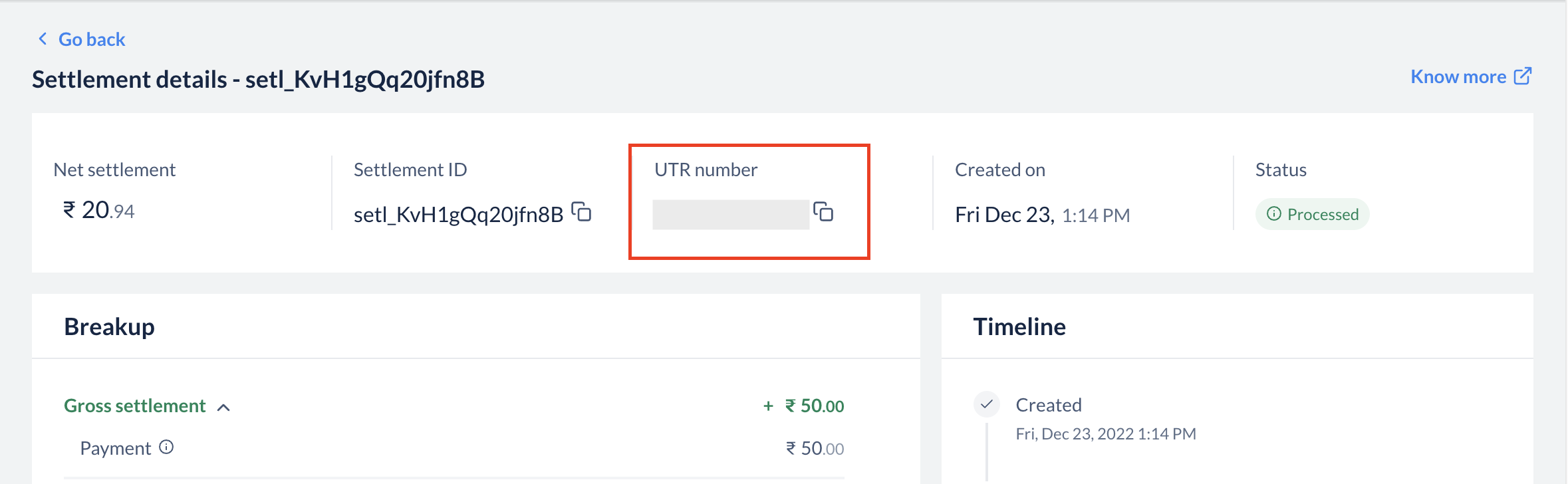
Each settlement has a Unique Transaction Reference (UTR) number, which is provided by our banking partners. You can see this number in the settlement section when you click on a particular settlement id. You can also download **Settlement Reports** from the **Reports** section to view UTR. This is a unique reference number available across banks, which can be used to track a specific settlement in your bank account.
 Check if you have received an email from our Support Team. Please revert to the mail with the necessary details. If you have not received any email from Razorpay, please contact our [Support Team](https://razorpay.com/support/#request) for assistance.
You can [download a daily or a monthly report](/docs/payments/magic-checkout/analytics/reports#generate-reports) for the **Settlement Reconciliation Report** from the **Reports** section on the Razorpay Dashboard. The report contains transactions and the corresponding settlement ids.
Check if you have received an email from our Support Team. Please revert to the mail with the necessary details. If you have not received any email from Razorpay, please contact our [Support Team](https://razorpay.com/support/#request) for assistance.
You can [download a daily or a monthly report](/docs/payments/magic-checkout/analytics/reports#generate-reports) for the **Settlement Reconciliation Report** from the **Reports** section on the Razorpay Dashboard. The report contains transactions and the corresponding settlement ids.