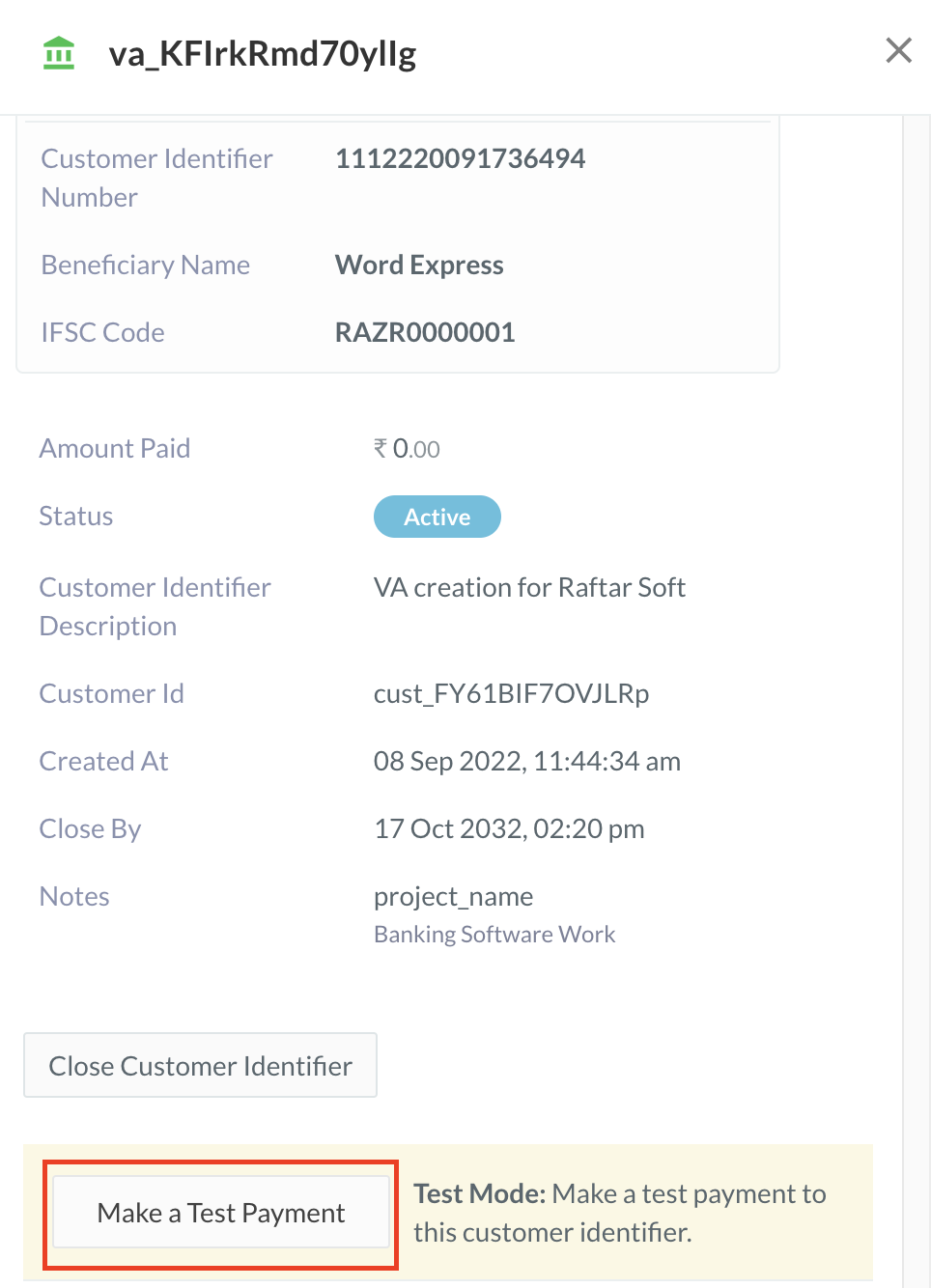
 3. Enter the following details in the form that appears:
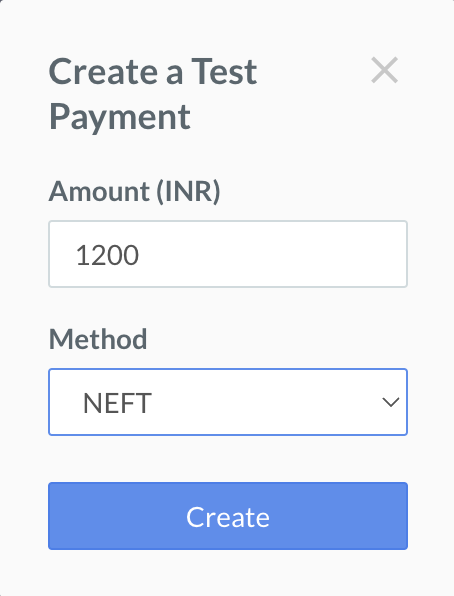
1. **Amount** - Enter the amount to be transferred to the Customer Identifier as the test payment.
2. **Method** - Select the method of transfer to simulate. You can choose NEFT, RTGS or IMPS.
3. Enter the following details in the form that appears:
1. **Amount** - Enter the amount to be transferred to the Customer Identifier as the test payment.
2. **Method** - Select the method of transfer to simulate. You can choose NEFT, RTGS or IMPS.
 4. Click **Create**.
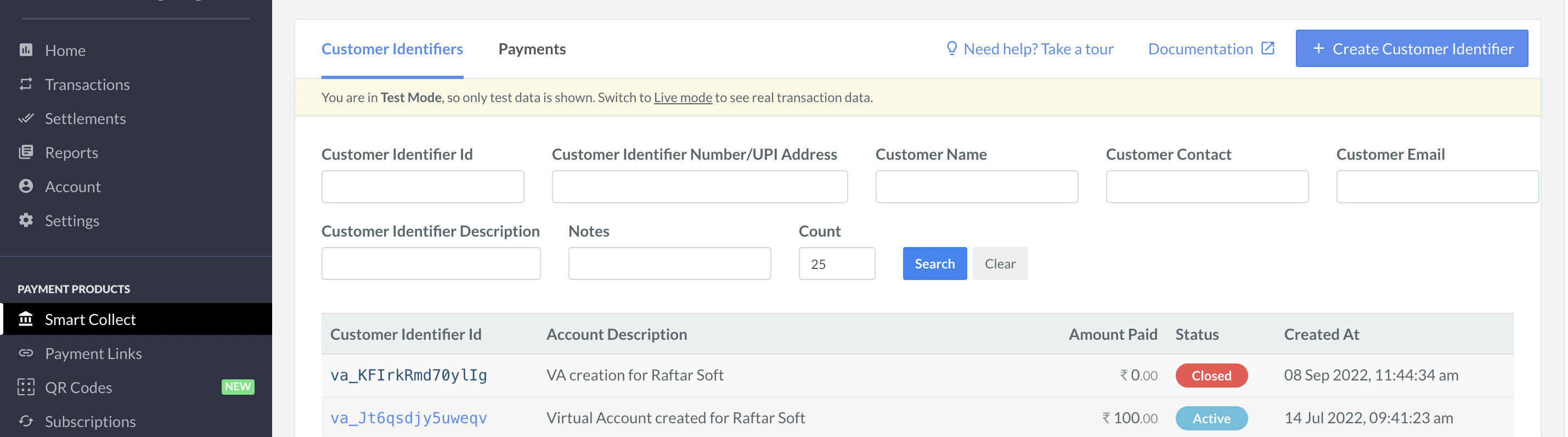
A success message **test payment successful** appears, indicating that the payment has gone through. The same is reflected on the Customer Identifier list as well:
4. Click **Create**.
A success message **test payment successful** appears, indicating that the payment has gone through. The same is reflected on the Customer Identifier list as well:
 ## Test Payment to a Virtual UPI ID
At present, you cannot make a test payment to a virtual UPI ID. This feature will be available soon.
## Test Payment to a Virtual UPI ID
At present, you cannot make a test payment to a virtual UPI ID. This feature will be available soon.