> ## Documentation Index
> Fetch the complete documentation index at: https://razorpay-881012b3.mintlify.site/llms.txt
> Use this file to discover all available pages before exploring further.
# Close Customer Identifier
> Learn how you can close a Customer Identifier using the Razorpay Dashboard.
Available in
🇮🇳 India
Customer Identifiers can be closed in two ways:
* Automatically, by specifying a **Close By** date and time during [Customer Identifier creation](/docs/payments/smart-collect/va-vpa-qr/dashboard/create).
* Manually, using the **Close Account** button on the Customer Identifier details pane:
1. In the list, select the Customer Identifier ID.
2. In the right pane that appears, click **Close Account**.
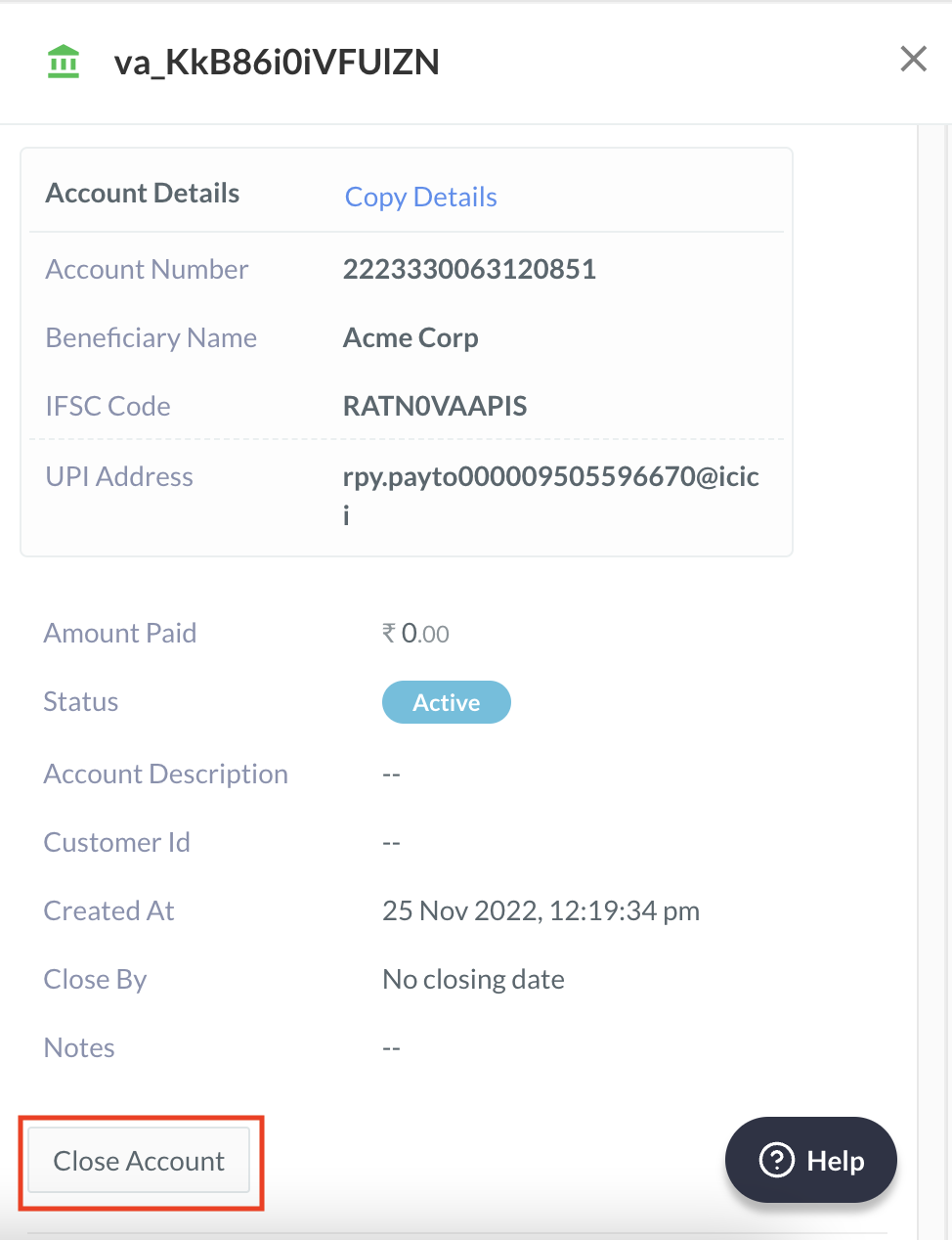
3. A dialog box appears to confirm the closing. Click **Yes**.