> ## Documentation Index
> Fetch the complete documentation index at: https://razorpay-881012b3.mintlify.site/llms.txt
> Use this file to discover all available pages before exploring further.
# Magic for Checkout Analytics
> Explore Magic in checkout analytics with real-time insights into transaction performance, customer engagement, and the effectiveness of payment methods.
Available in
🇮🇳 India
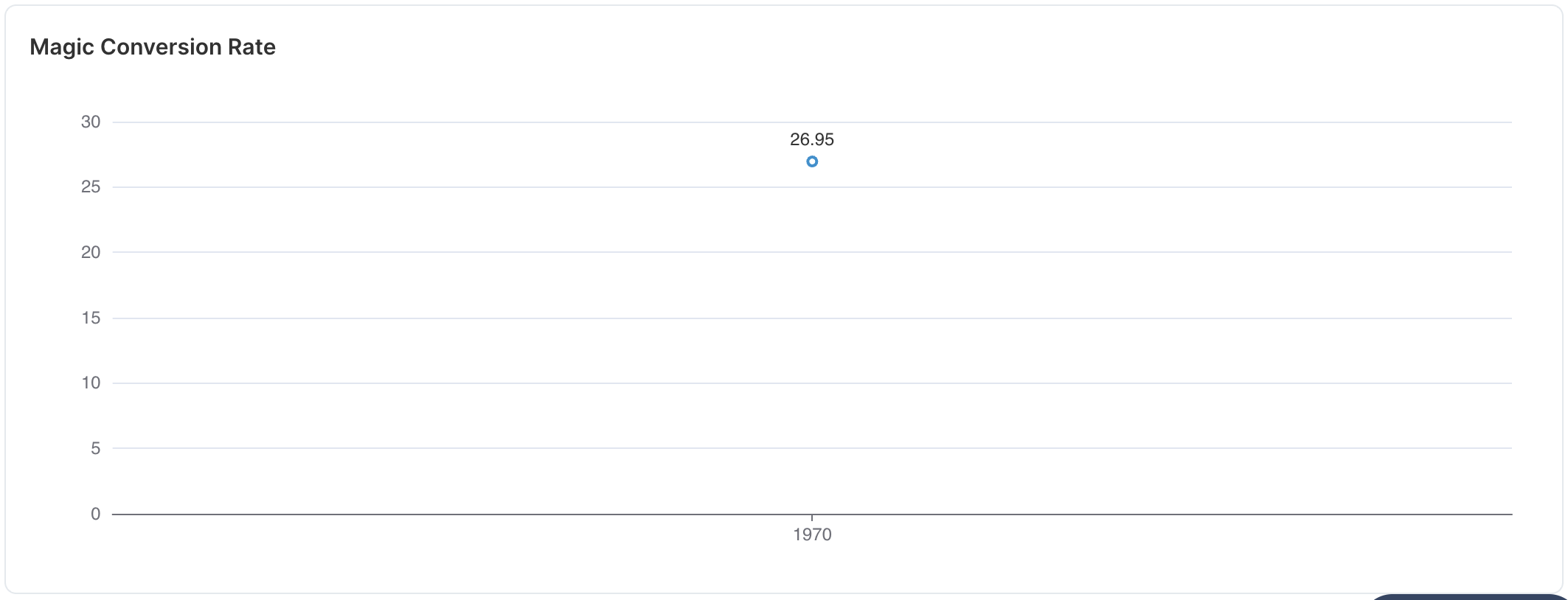
The Magic tab in Checkout Analytics offers a detailed overview of checkout data and transaction stories. It provides insights into the checkout data points, the effectiveness of various payment methods, transaction drop-off points, customer engagement, average order value, and conversion rate.
## Data Points
You can view the following data points for Magic Checkout Analytics.
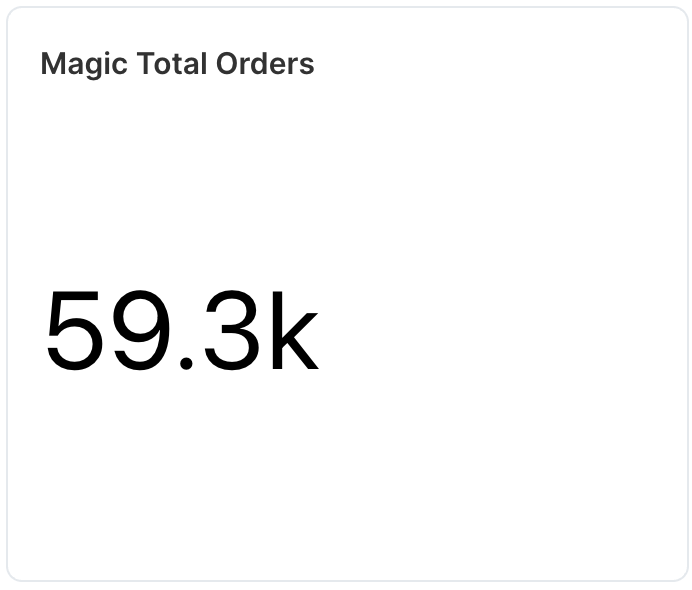
Tracks the total number of orders placed within a given timeframe, helping merchants assess the volume of transactions, sales trends, and peak order periods.
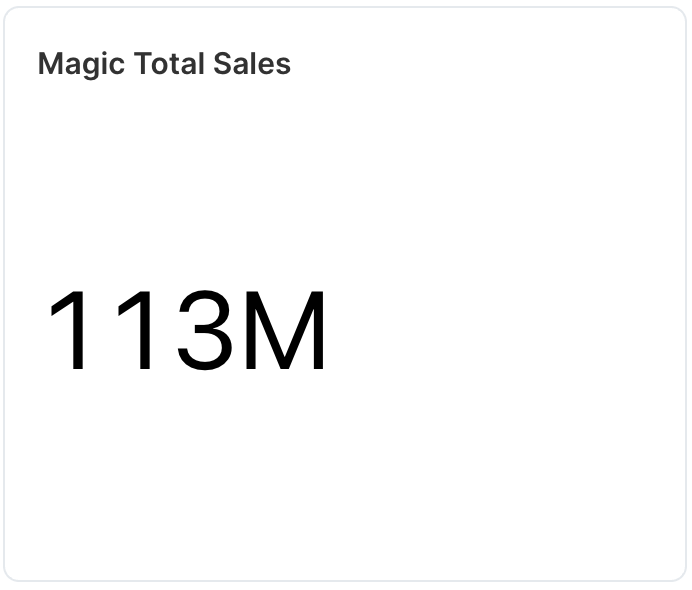
 Measures total revenue generated from completed transactions.
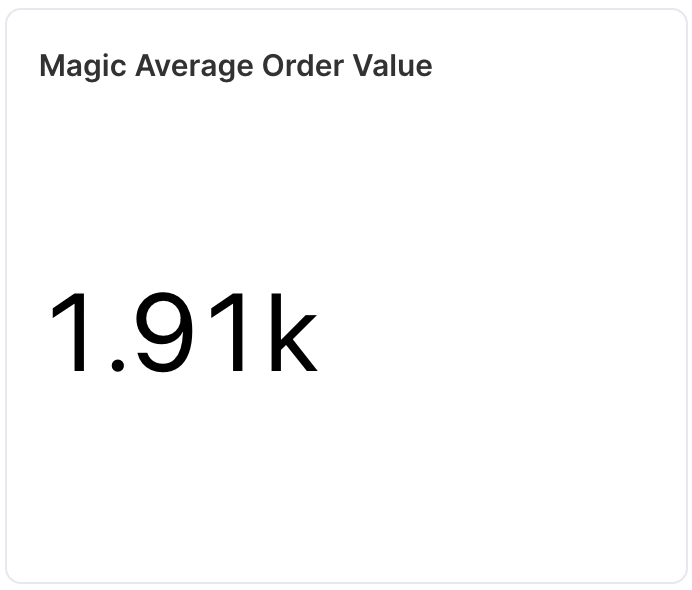
 Calculates the average transaction value by dividing total sales by total orders.
 Analyses user flow through the checkout stages, highlighting drop-off points.
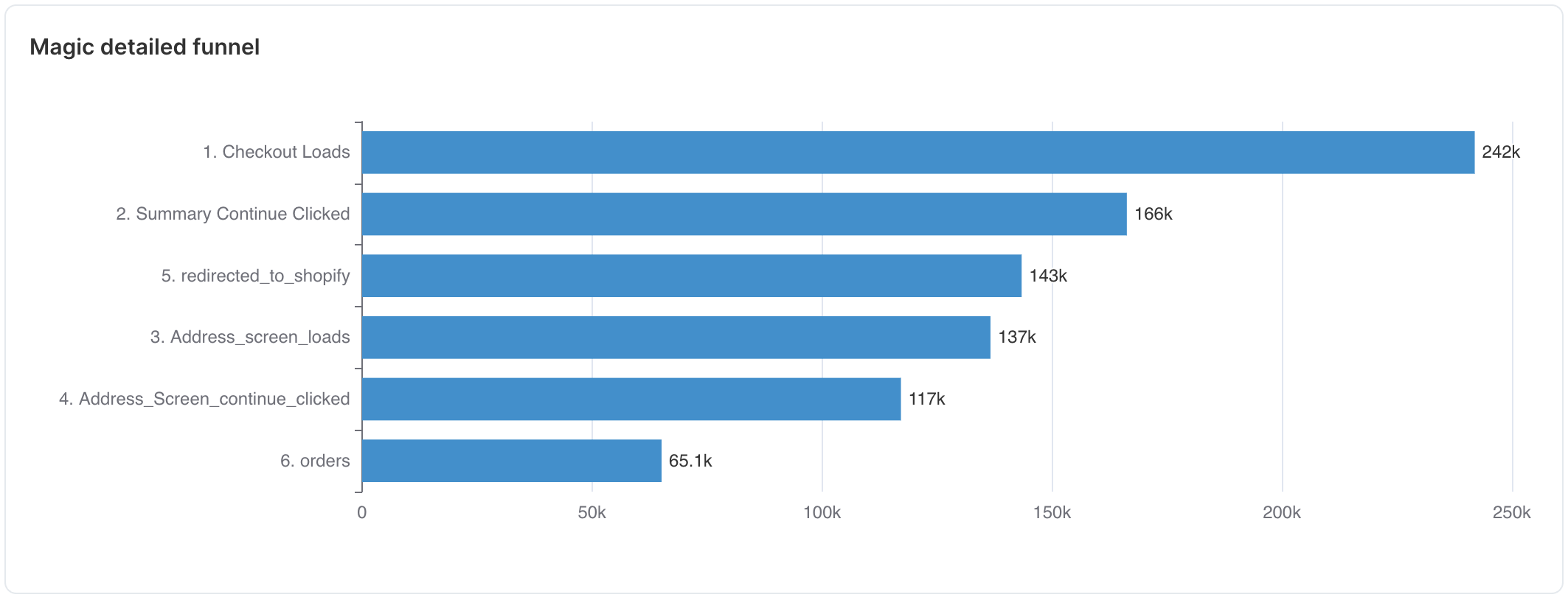 Examines the percentage of users who use address autofill vs. manual entry.
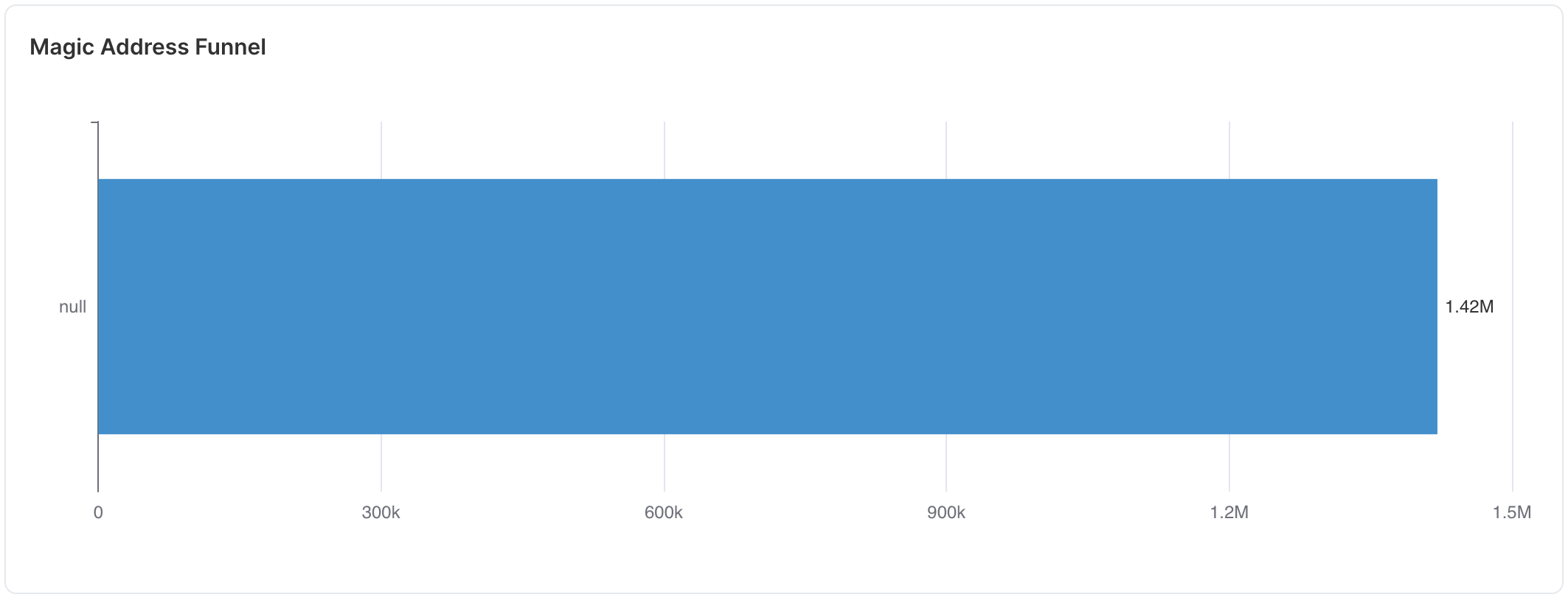 Calculates the percentage of users who complete the checkout process.