> ## Documentation Index
> Fetch the complete documentation index at: https://razorpay-881012b3.mintlify.site/llms.txt
> Use this file to discover all available pages before exploring further.

# Perform Sub-Merchant KYC

> Know how to perform KYC for your sub-merchants from the Partner Dashboard.

<div style={{display:"flex",flexWrap:"wrap",alignItems:"center",gap:"0.35rem 0.9rem",border:"1px solid rgba(128,128,128,0.28)",borderRadius:"0.5rem",padding:"0.45rem 0.75rem",margin:"0 0 1.25rem",fontSize:"0.875rem"}}>
  <span style={{fontWeight:600}}>Available in</span>
  <span>🇮🇳 India</span>
</div>

You can perform KYC for your sub-merchants from the Dashboard. The sub-merchant can skip KYC during onboarding. After getting this feature enabled, you would not require approval from your sub-merchants to perform their KYC.

<Info>
  **Feature Request**

  This is an on-demand feature. Please raise a request with your Razorpay point-of-contact to get it activated on your Razorpay account.
</Info>

#### Advantages

* **Decreases Onboarding Time by 50%** <br />
  Partner performing KYC for sub-merchants decreases onboarding time by half and ensures a seamless onboarding experience.
* **Value Added Service** <br />
  Partner performing KYC acts as a delight feature for your clients.

## Perform KYC

You can perform KYC for sub-merchants by following the steps given below:

1. Log in to the Dashboard.
2. Click **Partner** and navigate to **Affiliate Accounts**.
3. Click the **Account Name** of the sub-merchant for whom your want to perform KYC.
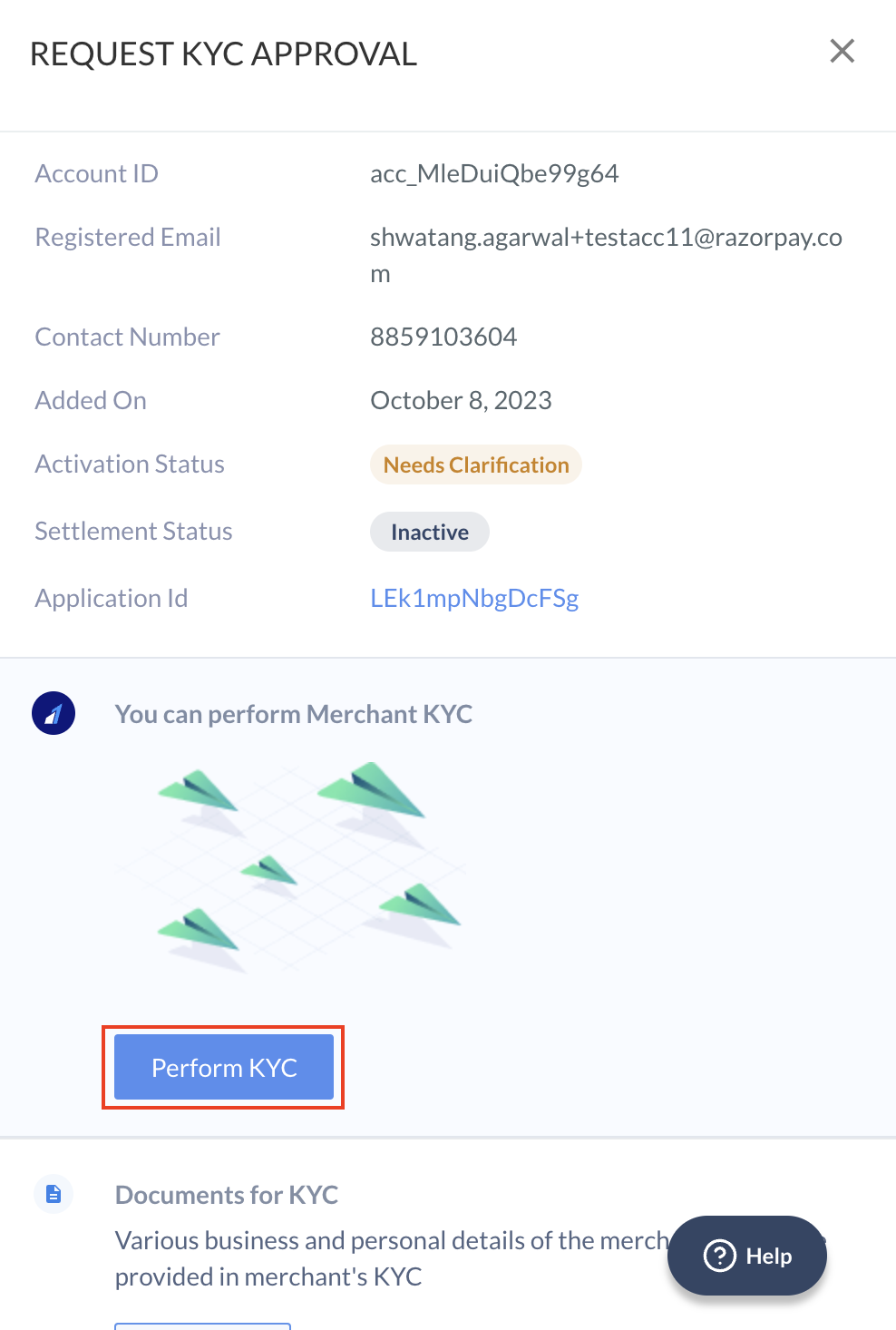
4. In the tab that opens, click **Perform KYC**.
   <img src="https://razorpay.com/docs/build/browser/assets/images/platform-performkyc.jpg" alt="Perform sub-merchant KYC from Razorpay Dashboard" width="400" />
5. Fill in the KYC details on the form and upload the necessary files.
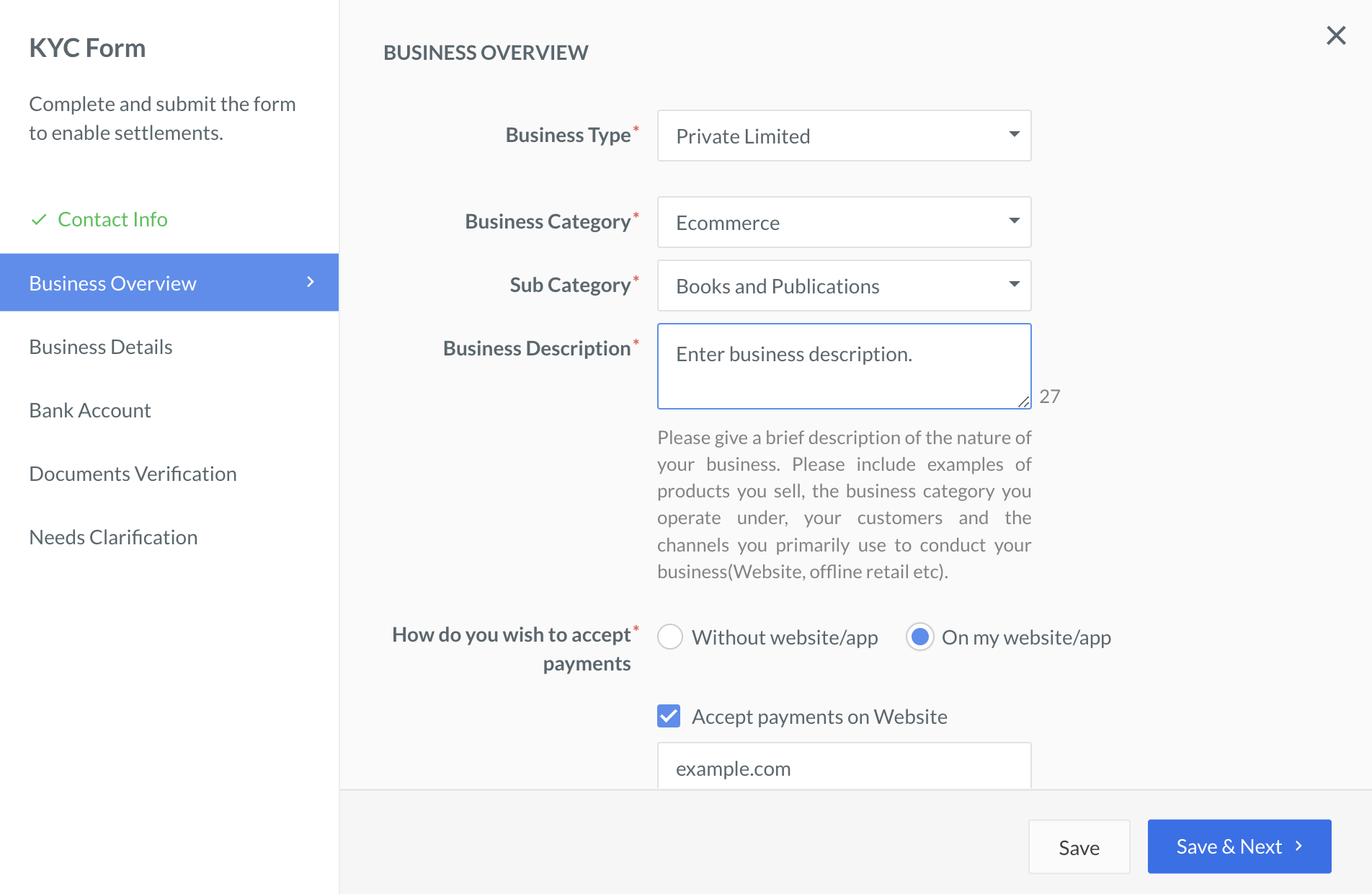
   <img class="click-zoom" src="https://razorpay.com/docs/build/browser/assets/images/x-partnerships-enter-kyc-details.jpg" alt="Perform sub-merchant KYC - fill KYC form" width="800" />

You can view the activation status on the Partner Dashboard.
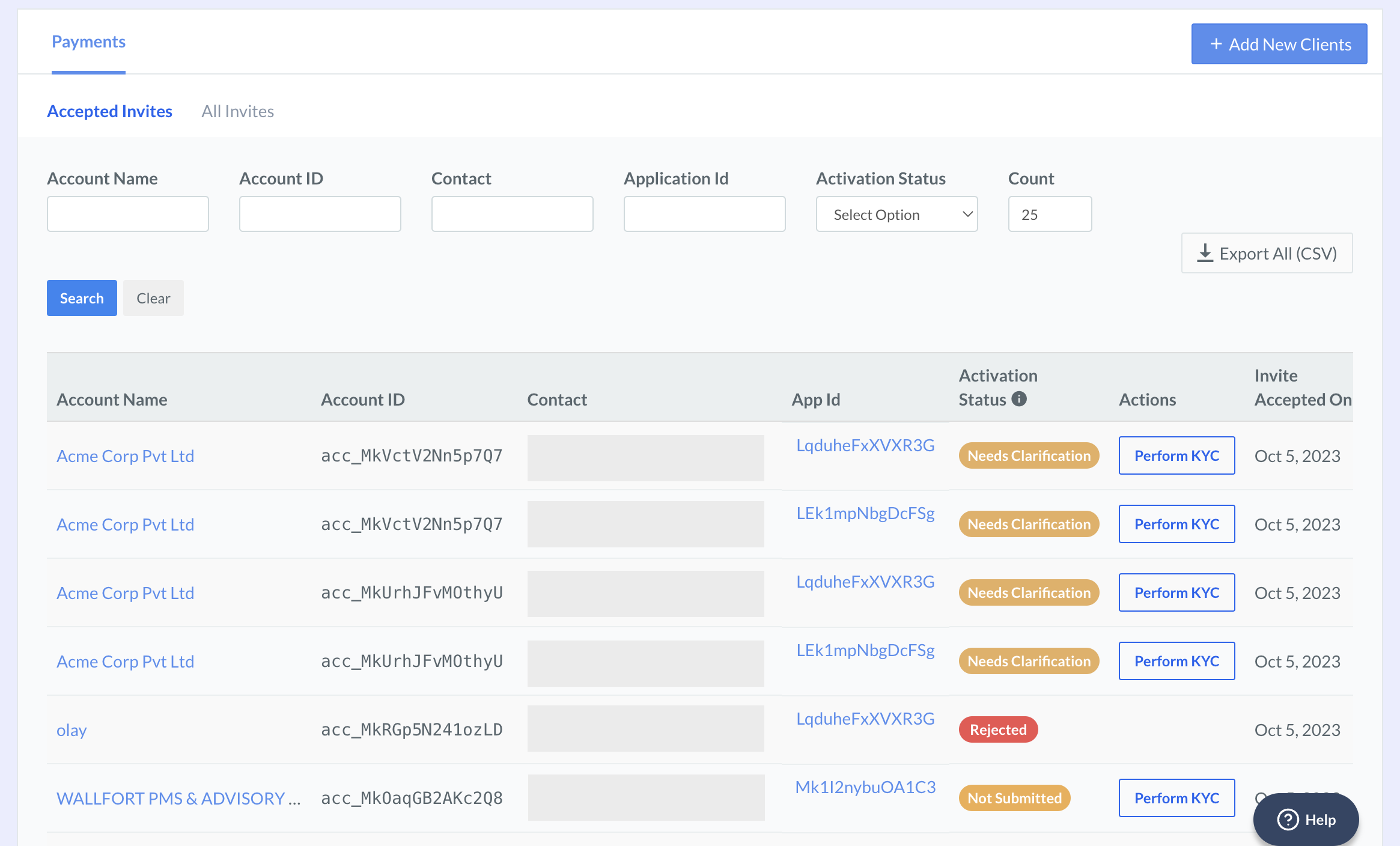
<img class="click-zoom" src="https://razorpay.com/docs/build/browser/assets/images/partners-submerchant-kyc-activation-status.jpg" width="800" />

You can request to switch off KYC updates communications to sub-merchants.

### Related Information

* [About Embedded Payments](/docs/partners/technology-partners)
* [Add sub-merchants from Dashboard](/docs/partners/technology-partners/onboard-businesses/add-on-features/add-submerchants-from-dashboard)
* [Get switch access to submerchant Dashboard](/docs/partners/technology-partners/onboard-businesses/add-on-features/switch-dashboard)
