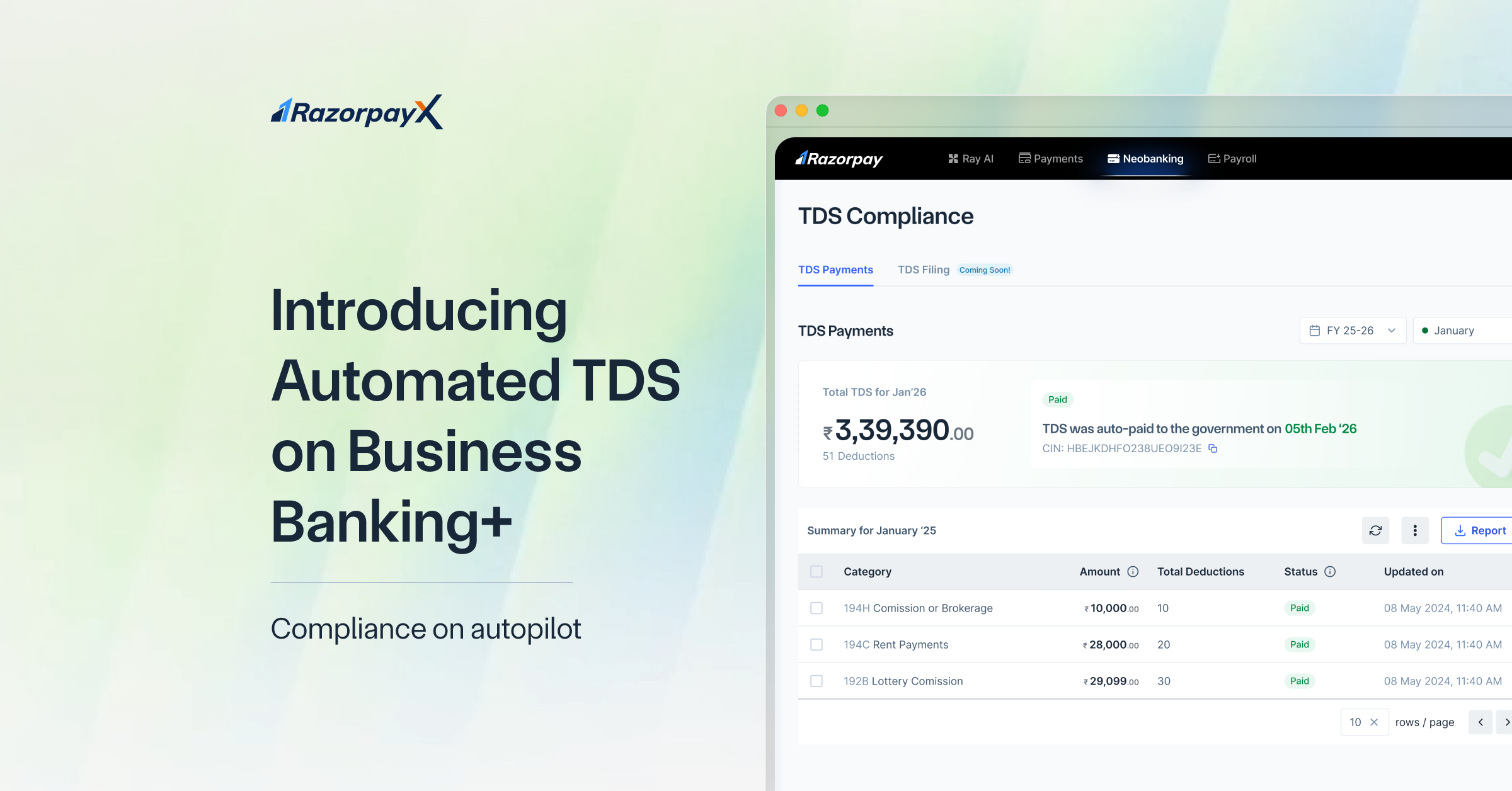
Ask any finance team what their busiest time of the month looks like, and they’ll point to tax and filing season. Not because TDS is impossible to understand, but because the way it’s handled today is manual, fragmented, and full of repetitive work.
Speak to most finance teams that run tax operations for their organisations, and they’ll tell you that their process looks something like this:
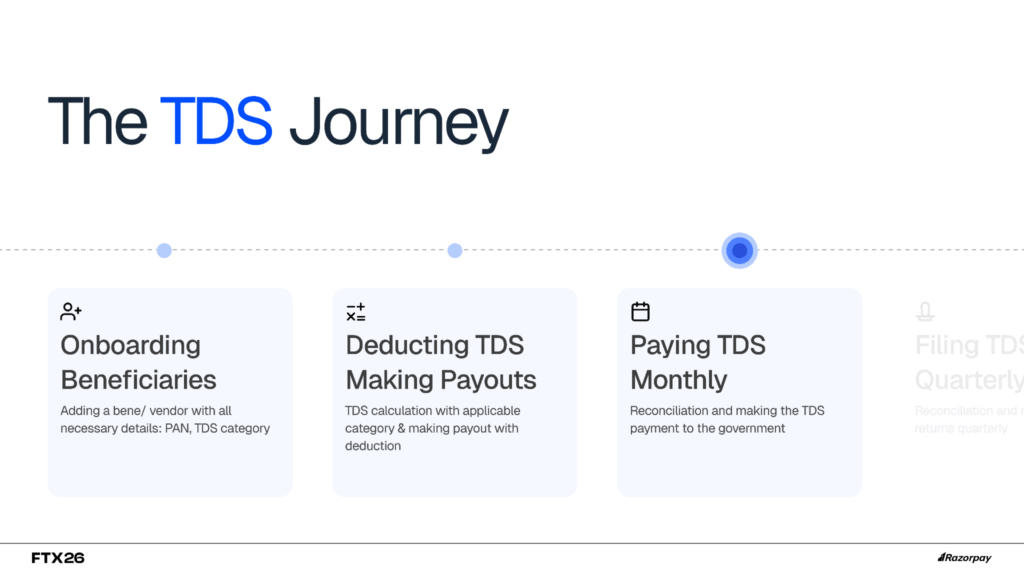
It’s also likely that the above process is stitched together with spreadsheets, internal data dumps, emails, and constant follow-ups. The same numbers get calculated, rechecked, and entered again just to make the payment, and then the whole exercise repeats itself during filing. It is not the complexity of TDS that drains teams; it is the chaos around it.
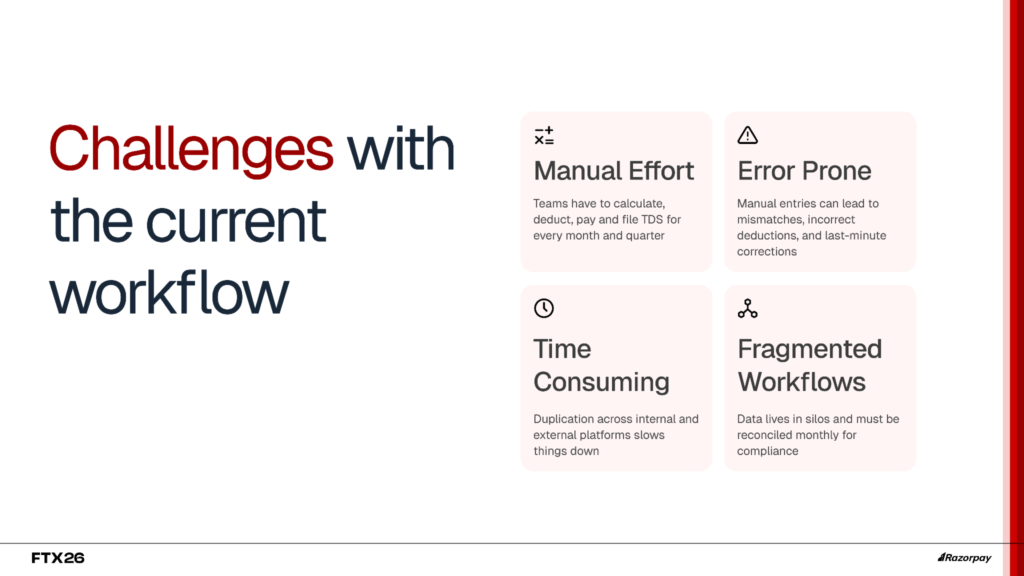
The current set-up is unoptimised to say the least and leads to a combination of the following:
- Calculation Errors: Manual entries and spreadsheet-based tracking lead to mismatches, incorrect deductions, and last-minute corrections.
- Dependent on their CA: Every clarification, challan update, or filing change requires back-and-forth coordination, slowing down the entire process.
- Penalty and Interests: Missed deadlines or incorrect filings quietly accumulate late fees and interest, eating into working capital.
- User Errors: Small mistakes in PAN details, deduction amounts, or section codes can trigger notices and re-filings.
- Reconciliation Delays: Payments, challans, and returns rarely sit in one place, making reconciliation time-consuming and stressful every cycle.
At RazorpayX, we took this problem seriously and built a solution from the ground up to fix it, so businesses never have to deal with this chaos while making TDS payments.
Introducing TDS payments and filing, now available directly from your RazorpayX Business Banking+ dashboard.
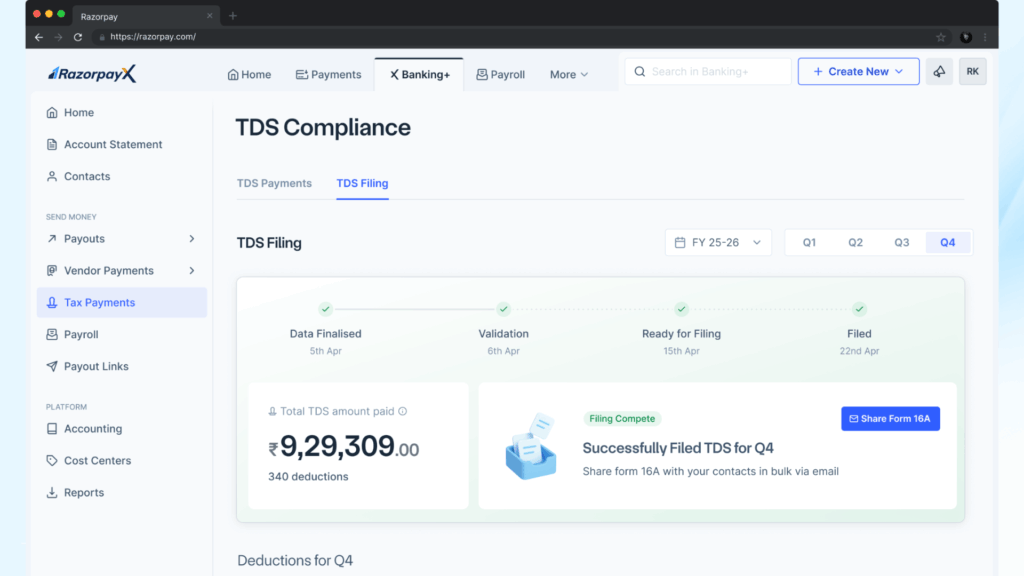
Here’s how it works:
Step 1: Configure your TDS settings. Set your deduction preferences once from the Settings tab on your RazorpayX Business Banking+ account.
Step 2: Apply TDS in the payout flow. While making a payout, select the relevant TDS rate, and the system calculates the deduction automatically.
Step 3: Deduction happens before the payout. The TDS amount is set aside, and only the net amount is transferred to the vendor.
Step 4: Challans are generated and recorded. Once the payment is made, the challan details are captured and reflected on your dashboard.
Step 5: Returns are compiled and filed. The system aggregates all TDS payments, files the return with the government portal, and updates the filing status and Form 16A on your dashboard.
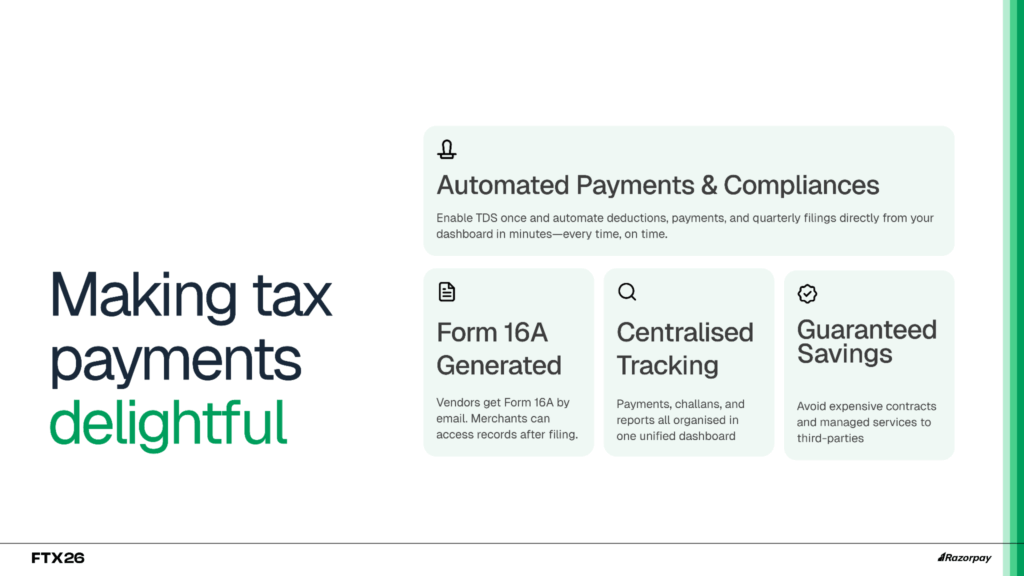
With this launch, businesses now get:
Automated TDS Payments: TDS is calculated and deducted automatically, reducing manual effort and eliminating guesswork.
Track All Challans: Every payment and challan is recorded in one place, giving you real-time visibility and easy access when needed.
Form 16A on Dashboard and Sent to Vendor: Generate Form 16A instantly from your dashboard and share it with vendors without additional coordination.
Cost Savings: Avoid recurring CA or managed service fees by handling payments and filing seamlessly within the platform.
Filing and Compliance Before Deadline: Returns are prepared and filed on time, ensuring you stay compliant without last-minute stress
“Finance teams have been telling us for years that TDS is not the hard part. The hard part is everything around it: the Excel tracking, the CA coordination, the last-minute challan downloads before the 7th. We built this so that the moment you make a payout, TDS is already taken care of. There is nothing else to do.”
Asheesh Varshneya, Senior Director – Product Management, RazorpayX
How to access Automated TDS payouts
Automated TDS payouts and filing are now available as an add-on for all existing RazorpayX Business Banking+ customers. If you’re new to RazorpayX, sign up here to get started.
TDS does not have to be a monthly scramble. With payments and filing built into your payouts flow, compliance becomes just another task checked off. One dashboard. One flow. No chaos